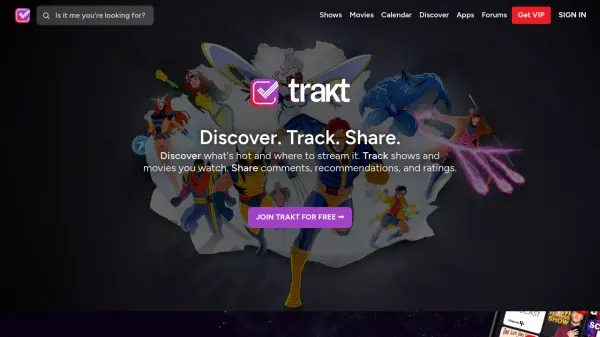
What is Trakt?
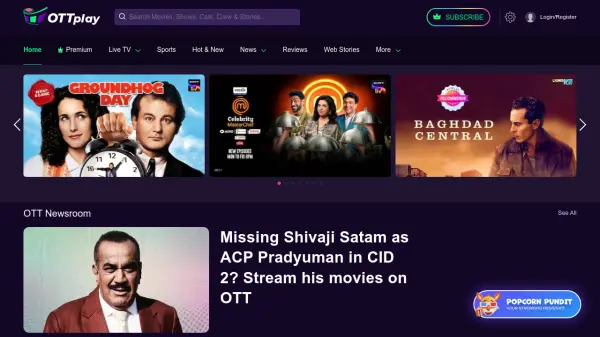
Trakt provides users with a centralized hub for managing their entertainment consumption across various streaming platforms. The service enables automatic tracking of watched history and ratings from major streaming services including Netflix, Prime Video, Disney+, HBO Max, and others, eliminating the need for manual logging.
Users can discover trending content through curated lists and recommendations while accessing direct links to hundreds of streaming services across 139 countries. The platform supports community engagement through shared lists, comments, and ratings, creating a social dimension to media consumption.
Features
- Automatic Tracking: Syncs watched history and ratings from Netflix, Prime Video, Disney+, HBO Max, Apple TV+, Paramount+, Peacock, and Hulu
- Streaming Discovery: Direct links to hundreds of streaming services across 139 countries with availability notifications
- Community Features: Share comments, recommendations, ratings, and curated lists with other users
- Multi-Platform Apps: Available for iOS, Android, tvOS, Android TV, and media center integrations
- Content Discovery: Trending shows and movies with popularity ratings and curated recommendation lists
Use Cases
- Tracking personal viewing history across multiple streaming platforms
- Discovering new shows and movies based on community trends and ratings
- Finding where specific content is available to stream in different countries
- Creating and sharing curated lists of favorite shows and movies
- Receiving notifications when new content becomes available on preferred streaming services