Tophitter Pro favicon

Tophitter Pro
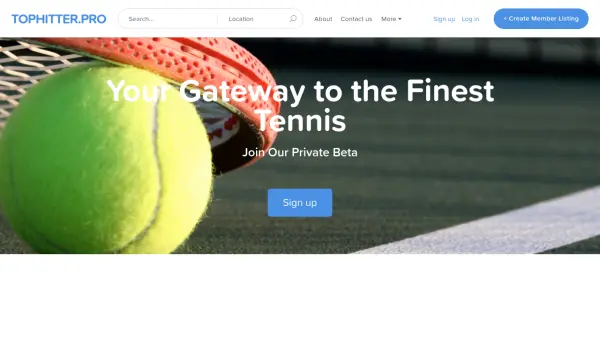
Your Gateway to the Finest Tennis

What is Tophitter Pro?

Tophitter Pro serves as a specialized platform designed to bridge the gap between tennis enthusiasts and top-tier players. It leverages artificial intelligence to facilitate connections and enhance user experiences within the tennis community. The platform offers features such as member listings and private beta access, aiming to create a curated environment for networking and engagement.

By focusing on quality interactions, Tophitter Pro provides tools for users to discover and connect with elite tennis professionals. Its AI-driven approach helps streamline the process of finding and inviting new members, making it easier for users to build meaningful relationships in the tennis world. The platform is currently in a private beta phase, allowing for controlled growth and refinement based on user feedback.

Features

  • Member Listings: Create and manage listings for tennis players and enthusiasts
  • Private Beta Access: Join an exclusive testing phase for early platform features
  • Invite System: Easily invite new members to join the tennis community

Use Cases

  • Connecting tennis enthusiasts with professional players
  • Building a curated network for tennis community engagement
  • Managing member listings for tennis-related activities

Helpful for people in the following professions

Related Tools:

Blogs:

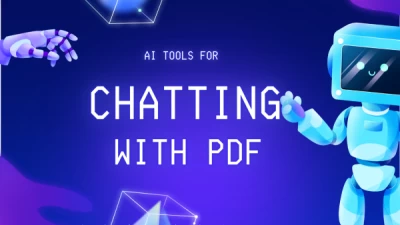
  • Chat with PDF AI Tools

    Chat with PDF AI Tools

    Easily interact with your PDF documents using our advanced AI-powered tool. Whether you're reading lengthy reports, research papers, contracts, or eBooks, our platform lets you chat directly with your PDF files, ask questions, extract insights, and get summaries in real-time.

  • Top 6 AI note-taking tools for 2026: in-person, online, and hybrid use cases

    Top 6 AI note-taking tools for 2026: in-person, online, and hybrid use cases

    Most AI note-taking lists are really lists of meeting bots, which join your video call and transcribe it. That's useful, but it's half the picture. Decisions happen in hallway conversations, client dinners, on-site visits, and hybrid rooms where nobody is on a video link. This guide covers different parts of the note-taking workflow: hardware capture for in-person settings, platform-native tools for online calls, and AI layers for organizing and synthesizing what you've captured. It compares six tools by capture context, workflow fit, pricing, and limitations.

Didn't find tool you were looking for?

Be as detailed as possible for better results