TinyFAQ favicon

TinyFAQ
Effortlessly Create and Share Beautiful FAQs

What is TinyFAQ?

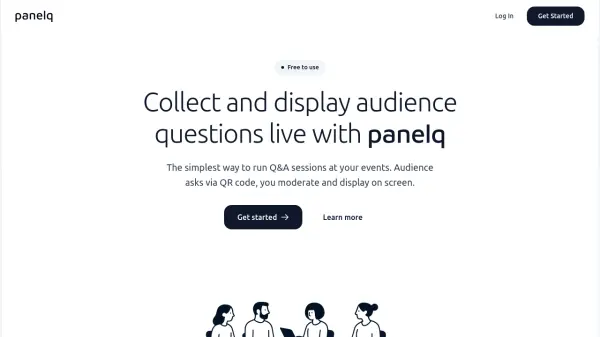
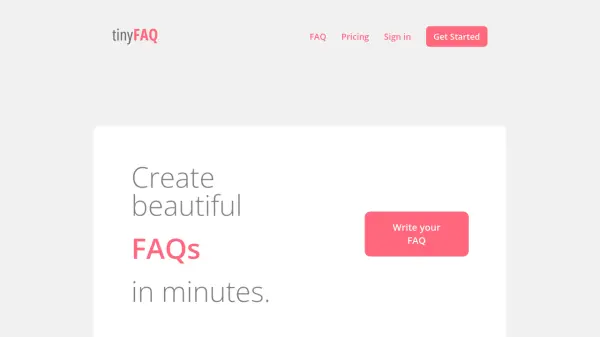
TinyFAQ streamlines the process of creating, sharing, and maintaining engaging FAQs by providing an easy-to-use rich text editor with formatting options such as headings, lists, and links. Users can generate a single shareable link for their FAQ, making information distribution seamless for events, meetups, classes, and pop-up shops.

This platform eliminates the need for technical skills or costly support desk solutions, enabling quick updates and clarity in answering common questions. TinyFAQ offers scalable solutions from single events to ongoing business needs without requiring installation or complex setup.

Features

  • Rich Text Editor: Easily format questions and answers with headings, lists, and links.
  • Shareable Link: Instantly share FAQs with a single, updatable link.
  • No Coding Required: Build and manage FAQs without technical skills.
  • Instant Updates: Update FAQ content anytime and changes reflect instantly.
  • Branding Removal: Option to remove TinyFAQ branding on paid plans.

Use Cases

  • Providing event attendees with up-to-date schedules and logistical information.
  • Sharing answers to common questions at pop-up shops or markets.
  • Giving workshop or class participants concise joining instructions and expectations.
  • Centralizing frequently asked questions for small businesses and startups.
  • Responding to customer queries without using expensive helpdesk tools.

Related Tools:

Blogs:

  • Top AI tools for Students

    Top AI tools for Students

    These AI tools are designed to enhance the learning experience for students. From personalized study plans to intelligent tutoring systems.

  • Top 6 AI note-taking tools for 2026: in-person, online, and hybrid use cases

    Top 6 AI note-taking tools for 2026: in-person, online, and hybrid use cases

    Most AI note-taking lists are really lists of meeting bots, which join your video call and transcribe it. That's useful, but it's half the picture. Decisions happen in hallway conversations, client dinners, on-site visits, and hybrid rooms where nobody is on a video link. This guide covers different parts of the note-taking workflow: hardware capture for in-person settings, platform-native tools for online calls, and AI layers for organizing and synthesizing what you've captured. It compares six tools by capture context, workflow fit, pricing, and limitations.

  • Best AI tools for recruiters

    Best AI tools for recruiters

    These tools use advanced algorithms and machine learning to automate tasks such as resume screening, candidate matching, and predictive analytics. By analyzing vast amounts of data quickly and efficiently, AI tools help recruiters make data-driven decisions, save time, and identify the best candidates for open positions.

Didn't find tool you were looking for?

Be as detailed as possible for better results