What is Tiemchart?
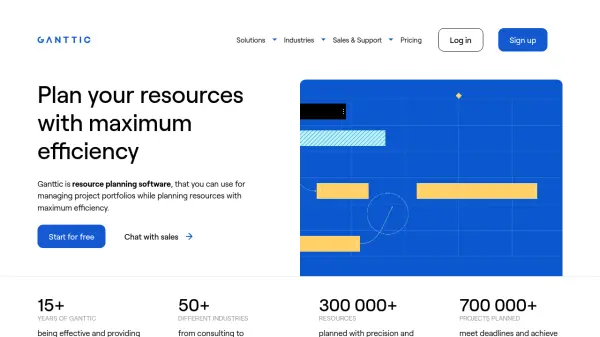
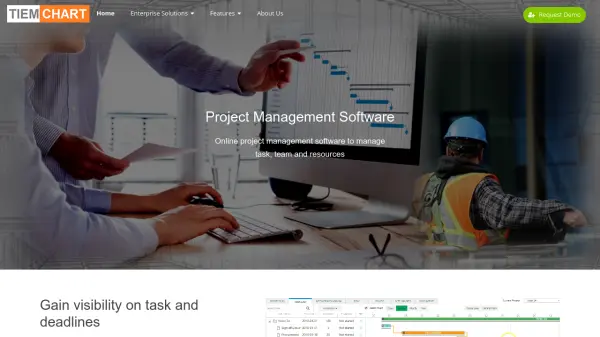
Tiemchart offers an all-in-one platform for managing projects, tasks, teams, and resources with real-time visibility and robust analytical tools. Leveraging interactive Gantt charts, it enables users to break down complex projects into actionable steps, efficiently assign resources, monitor workloads, and control timelines. Organizations can optimize team collaboration, implement effective resource management, and make data-driven decisions using project reporting and profitability features.
With modules for task management, time tracking, project costing, and billing, Tiemchart equips project managers to manage estimates, allocate resources, and track revenue versus costs across multiple projects. Performance dashboards and reporting capabilities provide granular insights, ensuring projects are delivered efficiently while maximizing profitability and resource utilization.
Features
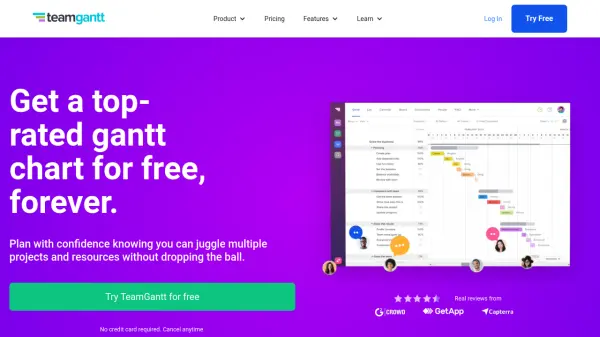
- Gantt Chart: Create and manage interactive timelines for project tasks.
- Task Management: Organize, assign, and track progress of project tasks and subtasks.
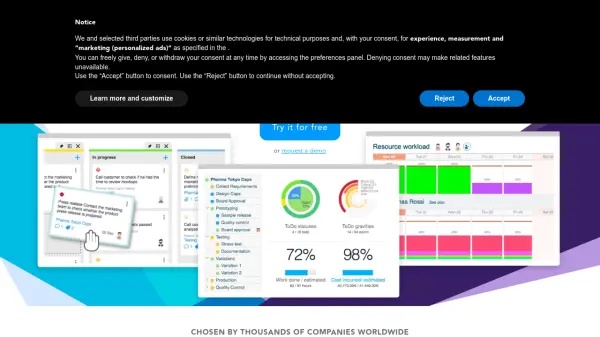
- Resource Management: Monitor workload, assign resources effectively, and gain insights into utilization.
- Team Collaboration: Facilitate streamlined communication and coordination among team members.
- Time Tracking: Log hours and manage time spent on project activities.
- Project Billing: Sophisticated billing capabilities for multiple business models.
- Project Costing: Build estimates and record costs against resources for accurate budgeting.
- Profit Reporting: Analyze project profitability and access detailed cost breakdowns.
- Project Reporting: Generate analytical reports and dashboards for performance tracking.
- Project Portfolio Management: View and manage multiple projects within one platform.
Use Cases
- Managing construction projects with complex task dependencies.
- Tracking billable hours and costs for client-based consulting work.
- Optimizing team workload and resource allocation in engineering firms.
- Centralizing marketing campaign management and reporting.
- Monitoring manufacturing project progress and profitability.
- Running project portfolios for enterprise-level project oversight.
- Improving collaboration and communication across distributed project teams.
FAQs
-
Does Tiemchart offer a free trial?
Yes, Tiemchart provides a 14-day free trial for new users after scheduling a demo. -
What pricing plans are available for Tiemchart?
Tiemchart offers per user licensing with quarterly and yearly payment options. -
Can Tiemchart help with project billing and costing?
Yes, Tiemchart includes modules for detailed project billing, costing, and profitability tracking. -
Is Tiemchart suitable for different industries?
Yes, Tiemchart is designed to support various industries, including construction, consulting, marketing, engineering, and manufacturing. -
Does Tiemchart support resource workload monitoring?
Yes, Tiemchart offers dashboards to help monitor and optimize team member workload and resource allocation.