What is Thursday?
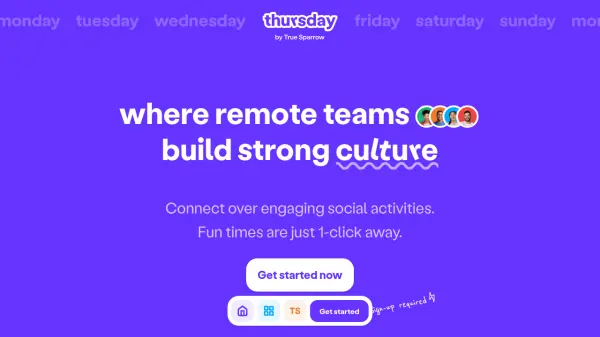
Thursday provides a comprehensive solution for remote teams seeking to strengthen their workplace culture through engaging social interactions. The platform offers various activities designed to foster connections and improve team dynamics in a virtual environment.
Teams can gather in the lounge area to break out of traditional video call grids, where they can talk, chat, and interact more naturally. The platform features multiple mixer activities that are randomized for each round, ensuring participants meet different colleagues during each session and maintain fresh interactions.
Features
- Lounge Area: Break out of Zoom grids with interactive chat and video features
- Mixer Activities: Multiple social games including Doodle Race, Charades, and Trivia
- Randomized Groups: Participants meet different team members each session
- Social Templates: Pre-designed activity sets for various occasions and team needs
- No Installation Required: Accessible directly through web browser without downloads
Use Cases
- Remote team building and culture development
- Virtual social events for distributed teams
- New employee onboarding and integration
- Team appreciation and recognition activities
- Casual team bonding and relationship building
FAQs
-
How many participants can join a social session?
You can host a social and invite up to 200 participants to join the activities. -
Does the platform require installation or signup?
Thursday requires no installation and you can host socials without even signing up, making it easily accessible for teams. -
What is the role of the host in a social session?
A host is required to drive the social session, with the ability to add or remove mixers based on team preferences and session duration.