What is ThinkBoxAI?
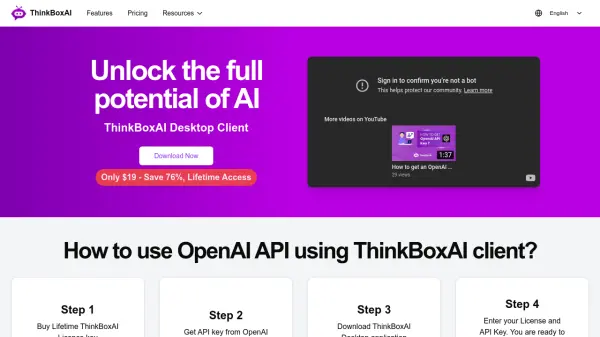
ThinkBoxAI is a desktop client designed to provide an affordable and user-friendly interface for interacting with OpenAI's GPT models. This cross-platform application allows users to customize GPT output through advanced settings and access a ready-made prompt library.
It operates on a pay-as-you-go model, allowing significant cost savings compared to standard monthly subscriptions. ThinkBoxAI prioritizes user privacy, ensuring that no chat data is stored.
Features
- Low cost & easy to use: An affordable and user-friendly AI client solution.
- Pay as you go solution: Pay only for what you use with the ChatGPT API.
- Advanced settings: Customize GPT output.
- Prompt library: Access ready-made prompts.
- Cross platform: Available on Windows, macOS, and Linux.
- Data privacy: Chat data is never stored.
Use Cases
- Customizing GPT outputs for specific needs.
- Accessing a library of pre-made prompts for various tasks.
- Managing AI usage costs effectively.
- Using AI tools across different operating systems.
FAQs
-
What is ThinkBoxAI?
ThinkBoxAI is a desktop client that offers an enhanced interface to use with OpenAI API, providing advanced settings and a prompt library. -
How much does ThinkBoxAI cost?
ThinkBoxAI offers lifetime access for a one-time payment of $19. -
Is ThinkBoxAI available for my operating system?
ThinkBoxAI is available for Windows (64-bits), macOS Universal, and Linux (64-bits). -
How do I get started with ThinkBoxAI?
To get started, purchase a lifetime ThinkBoxAI license key, obtain an API key from OpenAI, download the ThinkBoxAI desktop application, and enter your license and API keys.