What is The Work Docs?
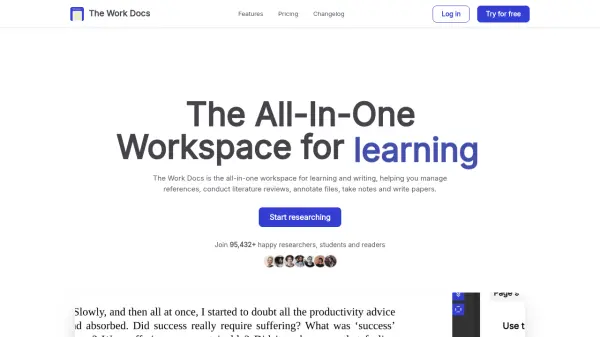
The Work Docs provides an integrated solution for managing and analyzing research materials, enabling users to store references, conduct literature reviews, annotate files, and organize notes efficiently. With advanced AI capabilities, the platform allows users to chat with documents, receive instant summaries, and generate translations in multiple languages, streamlining the process of understanding and utilizing complex content.
Users can benefit from features such as progress tracking, handling of lengthy PDFs, citation-supported AI chatbot responses, customizable prompts for specific tasks, and built-in note-taking—all accessible within a cloud-synced workspace. Designed for researchers, students, academics, and content creators, The Work Docs helps enhance productivity and focus by centralizing essential research tools in a single platform while ensuring data privacy and security.
Features
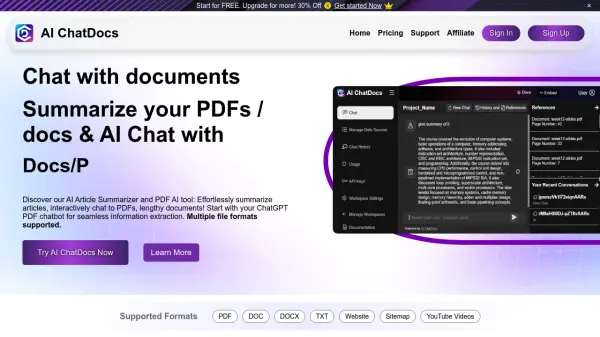
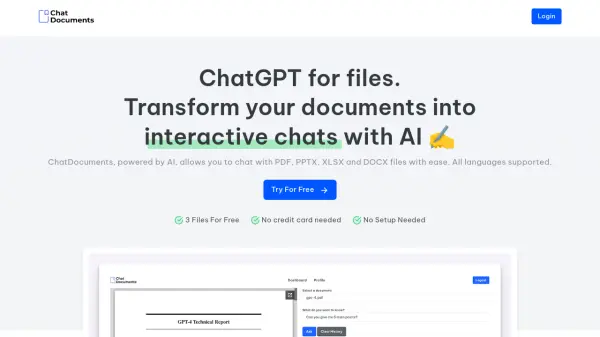
- AI Chat with Documents: Generate instant summaries and answers from uploaded research materials using an AI assistant.
- Multilingual Translation: Translate documents into 30 different languages, including variations of English, Spanish, and Chinese.
- Annotation and Highlighting: Annotate and highlight PDFs directly within the platform for more efficient research.
- Progress Tracking: Automatically saves reading progress and annotations for ongoing research projects.
- Advanced Document Analysis: Breaks documents into sections and highlights key information using AI.
- Document Organization: Tools for efficient reference management and document categorization.
- Custom AI Prompts: Allows creation of personalized prompts for specialized tasks or queries.
- Collaboration Tools: Enables multiple users to work together and share insights with advanced document collaboration.
- Export Features: Export notes, highlights, and annotations for use outside the platform.
- Cloud Synchronization: Keeps documents and annotations in sync across devices.
Use Cases
- Summarizing academic papers for faster understanding.
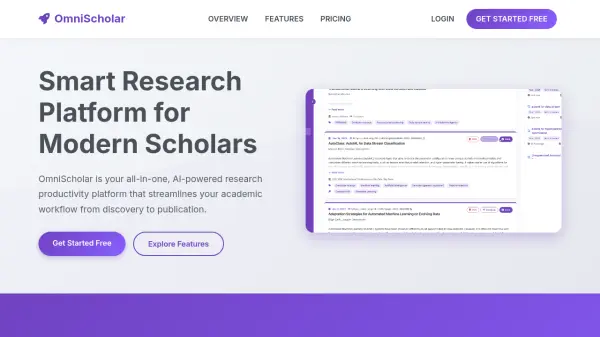
- Conducting and managing literature reviews.
- Annotating and referencing scholarly articles.
- Translating research documents for international studies.
- Taking notes and tracking reading progress for coursework.
- Collaborative research and knowledge sharing.
- Drafting application letters and motivation statements.
- Supporting content writing and public speaking preparations.
FAQs
-
How do I use The Work Docs?
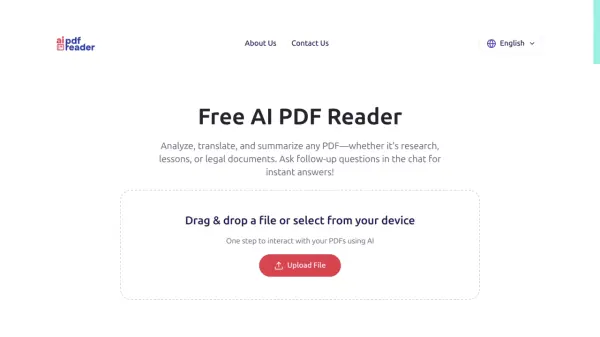
Simply upload your document and The Work Docs will analyze it, breaking it into sections and highlighting important information for easier comprehension. -
What AI technologies are used in The Work Docs?
The Work Docs uses machine learning models trained on large text corpora to analyze documents, summarize content, and provide citation-supported answers. -
How does The Work Docs protect my private data?
The platform uses secure servers and best practices to safeguard your data, with a policy to not sell or share data with third parties and removing uploaded documents after processing. -
What are the limitations of the Free Plan?
The Free Plan allows access to essential features with up to 3 documents per month, basic AI analysis, PDF highlighting and annotation, and document organization tools.