The Old Computer favicon

The Old Computer
Preserving Retro Computing & Gaming with the Largest Collection of ROMs and Emulators

What is The Old Computer?

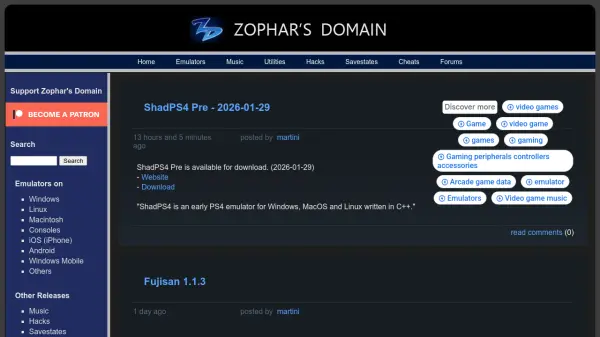
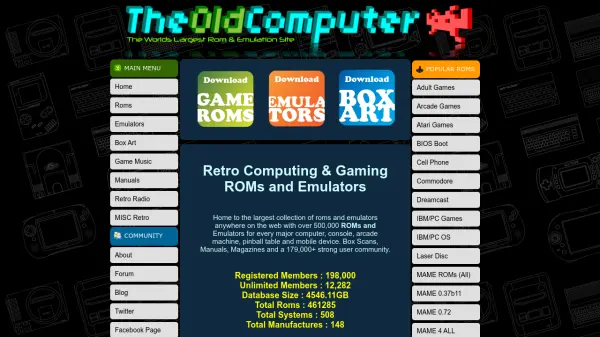
The Old Computer serves as a digital archive dedicated to preserving retro computing and gaming software. It hosts an extensive collection of over 500,000 ROMs and emulators for numerous computer systems, gaming consoles, arcade machines, pinball tables, and mobile devices. The platform also provides supplementary materials such as box scans, manuals, and game music to enhance the user experience.

Operating since 1999, the website maintains a community of over 179,000 users and relies on donations to cover hosting, bandwidth, and support costs without advertising or data collection. It emphasizes content authenticity and preservation, distinguishing itself from AI-generated material by offering genuine historical software resources.

Features

  • ROM Collection: Over 500,000 ROMs for computers, consoles, arcade machines, and mobile devices
  • Emulator Database: Comprehensive emulators for every major retro platform
  • Supplementary Materials: Box art scans, manuals, and game music archives
  • Community Platform: Forums and Discord channels with over 179,000 users
  • Ad-Free Experience: No advertising, popups, or data collection

Use Cases

  • Preserving and accessing historical computer and gaming software
  • Running retro games on modern systems through emulation
  • Researching vintage computing and gaming documentation
  • Building collections of box art and manuals for retro systems
  • Participating in retro gaming communities and discussions

Related Tools:

Blogs:

  • Best AI tools for trip planning

    Best AI tools for trip planning

    These tools analyze user preferences, budget constraints, and destination details to provide personalized itineraries, suggest optimal routes, recommend accommodations, and even offer real-time updates on weather and local events.

  • Top 6 AI note-taking tools for 2026: in-person, online, and hybrid use cases

    Top 6 AI note-taking tools for 2026: in-person, online, and hybrid use cases

    Most AI note-taking lists are really lists of meeting bots, which join your video call and transcribe it. That's useful, but it's half the picture. Decisions happen in hallway conversations, client dinners, on-site visits, and hybrid rooms where nobody is on a video link. This guide covers different parts of the note-taking workflow: hardware capture for in-person settings, platform-native tools for online calls, and AI layers for organizing and synthesizing what you've captured. It compares six tools by capture context, workflow fit, pricing, and limitations.

  • AI thumbnail maker tools

    AI thumbnail maker tools

    Automatically generate visually appealing and optimized thumbnails for various digital content, streamlining the design process and enhancing visual engagement

Didn't find tool you were looking for?

Be as detailed as possible for better results