What is OldVideoGames?
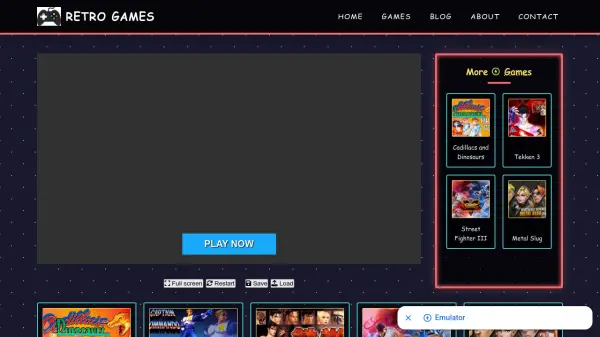
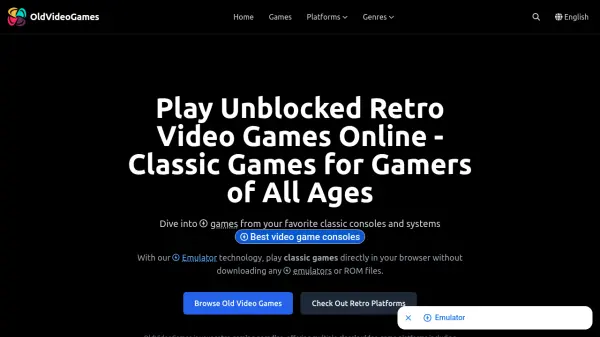
OldVideoGames is a comprehensive online platform dedicated to preserving and sharing classic video games from the 80s and 90s. It utilizes advanced Emulator technology, an open-source JavaScript emulator framework, to simulate the hardware environment of various classic gaming consoles. This allows games to run directly in modern web browsers without requiring any software downloads or emulator installations.
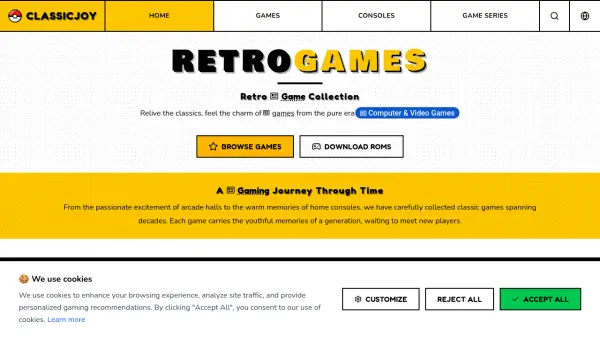
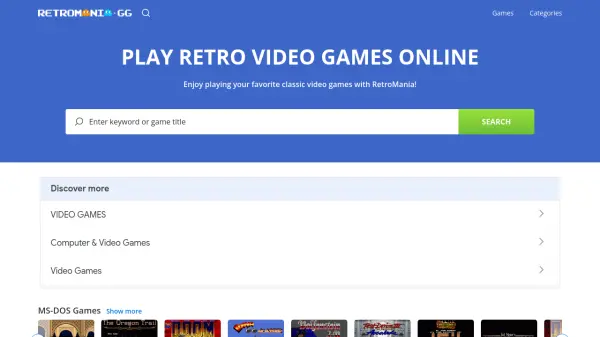
The platform offers a vast library of over 27,000 games across 24 platforms, including Nintendo NES, SNES, Game Boy, Sega Genesis, Arcade, and PlayStation. Games are organized by platform and genre, with features like save states, controller support, and cross-device compatibility. Users can play on Windows, Mac, Linux, or Chrome OS devices, with mobile support available through touch controls or Bluetooth controllers.
Features
- Emulator Technology: Uses open-source JavaScript emulator framework to run classic games directly in browsers without downloads
- Extensive Game Library: Offers over 27,000 classic video games from 24 platforms including Nintendo, Sega, and Arcade
- Cross-Platform Compatibility: Works on Windows, Mac, Linux, Chrome OS, and mobile devices with modern web browsers
- Save State Functionality: Allows users to save game progress using browser-based save states with quick save/load shortcuts
- Controller Support: Supports keyboard, mouse, and USB game controllers with customizable button mappings
Use Cases
- Reliving childhood memories by playing classic video games from the 80s and 90s
- Introducing younger generations to retro gaming classics without needing original hardware
- Casual gaming sessions during breaks without installing software or emulators
- Exploring gaming history through a curated collection of influential titles
- Testing game compatibility across different classic console emulations in a browser environment
FAQs
-
What browsers work best with OldVideoGames?
Chrome, Firefox, Edge, Safari, and Chromium browsers on Windows, Mac, Linux, and Chrome OS provide optimal performance for the Emulator technology. -
Can I use a game controller with OldVideoGames?
Yes, the platform supports USB game controllers, keyboards, and mice, with customizable button mappings for an enhanced gaming experience. -
How do I save my game progress?
Use the save state feature: press F2 for quick save and F4 for quick load to preserve your progress in the browser without built-in save functionality. -
Are there any system requirements to play games?
A modern web browser and internet connection are sufficient; closing other tabs or applications may improve performance for resource-intensive games. -
Is OldVideoGames legal to use?
The platform uses Emulator technology for emulation; users should ensure compliance with local copyright laws regarding game ROMs and intellectual property.