What is Text To Speech AI Voices Generator?
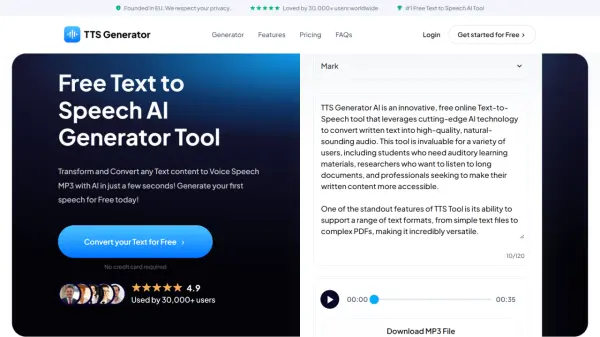
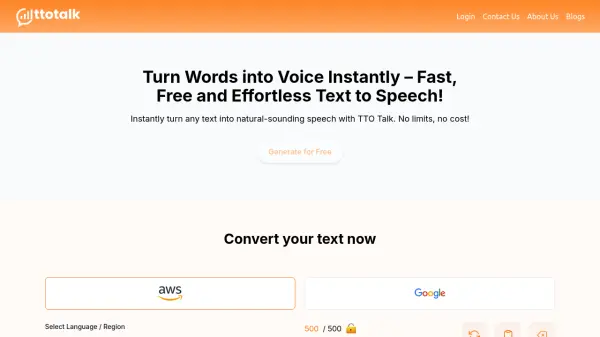
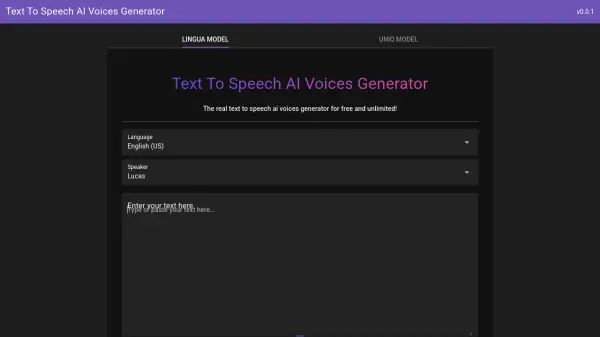
Text To Speech AI Voices Generator is an advanced AI-powered tool that transforms written text into natural-sounding speech using cutting-edge machine learning models. This technology leverages sophisticated algorithms trained on vast human speech datasets to produce high-quality audio with realistic intonations and emotions, making it virtually indistinguishable from human voice actors.
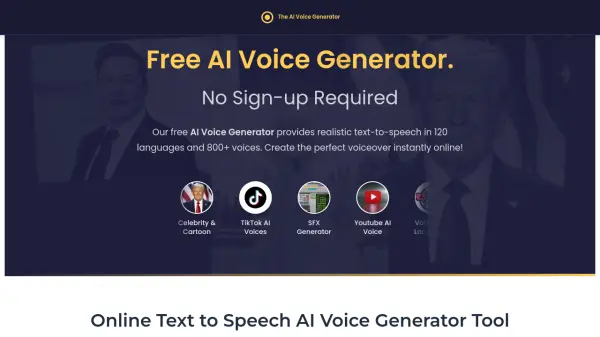
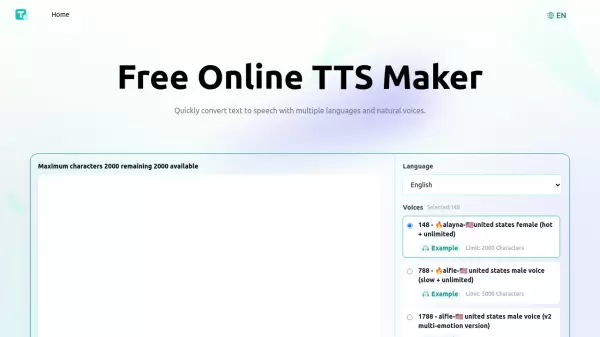
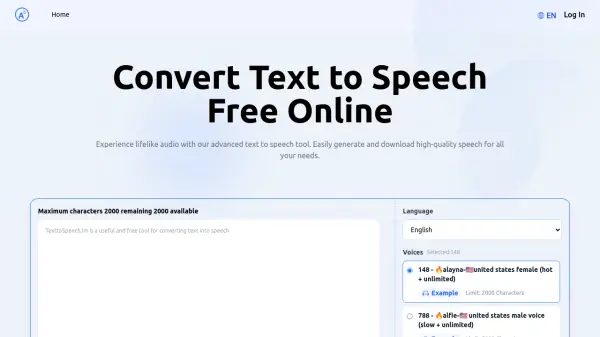
The platform offers two distinct voice models: the Uniq Model with over 239 unique and expressive speakers, and the Lingua Model featuring more than 1400 speakers with extensive language support. Users can convert up to 5,000 characters in a single session, generate SRT caption files for videos, and download audio as MP3 files without any registration requirements or usage limits.
Features
- Uniq Model: Features over 239 unique and expressive speakers with distinct vocal identities
- Lingua Model: Provides extensive language support with over 1400 speakers for global audiences
- Generous Character Limit: Allows conversion of up to 5,000 characters in a single session
- SRT Caption Generation: Automatically creates SRT files for video accessibility and SEO
- No Registration Required: Completely free to use without any sign-up process or account creation
Use Cases
- Creating voiceovers for YouTube videos and tutorials
- Developing e-learning modules and training materials
- Producing podcast intros and audiobook content
- Generating marketing and advertising voiceovers
- Making educational content more accessible with audio narration
FAQs
-
What is the maximum character limit for text conversion?
The tool allows conversion of up to 5,000 characters in a single session, enabling users to create voiceovers for longer videos, e-learning modules, and podcast segments without interruption. -
Can I use the generated audio files for commercial projects?
Yes, all audio created using the tool is free for both personal and commercial use, including YouTube videos, e-learning courses, marketing campaigns, and other projects. -
Do I need to create an account or provide personal information?
No registration or account creation is required. Users can start converting text to audio immediately without any sign-up process. -
Is the service compatible with mobile devices?
Yes, the platform is fully responsive and works seamlessly on all devices including desktops, tablets, and smartphones through any web browser. -
What file format does the generated audio come in?
The tool generates high-quality audio files that can be downloaded as MP3 files, making them compatible with most media players and editing software.