What is Terrasketcher?
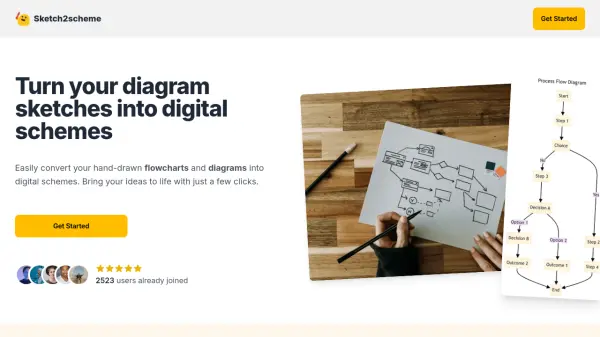
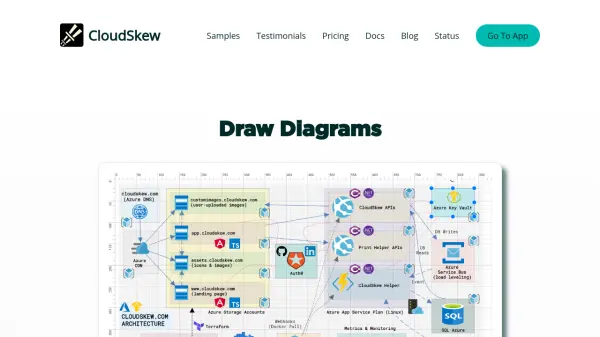
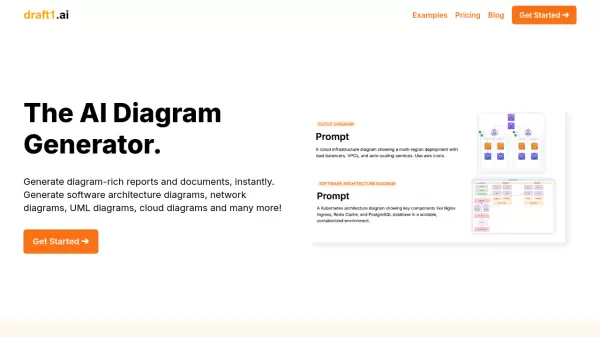
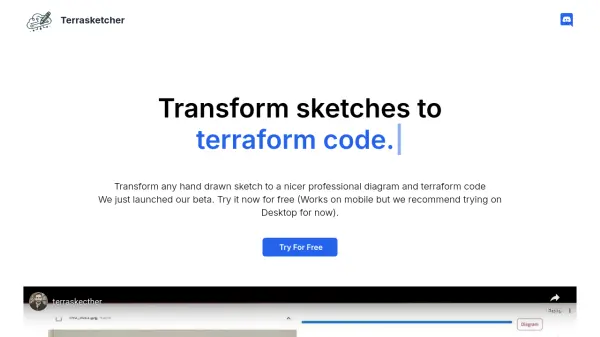
Terrasketcher is a tool designed to transform hand-drawn sketches into professional cloud diagrams and corresponding Terraform code. It is adept at handling any infrastructure sketch, delivering polished, formatted diagrams suitable for technical documentation.
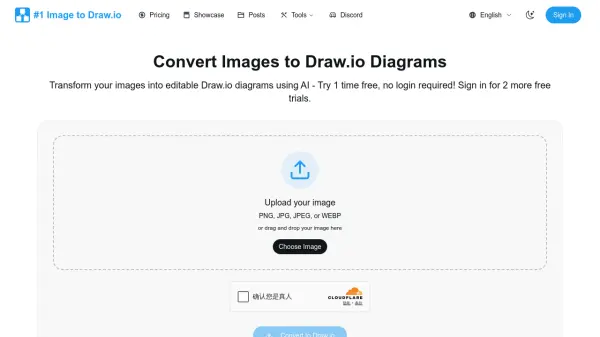
In addition to creating professional diagrams, Terrasketcher provides a Draw.io compatible file for each conversion, allowing users to download and further refine their diagrams using Draw.io's editing tools. The platform supports a wide array of diagram types, from cloud-based to on-premises infrastructures.
Features
- Versatile Decoding Capability: Handles any infrastructure sketch with optimal results for clear sketches.
- Out of the box cloud diagrams: Supports a wide range of diagrams, formatted for immediate use.
- Infra Sketch to Terraform code: Generates Terraform code from sketches for faster deployment.
- Draw.io File for Further Editing: Provides Draw.io compatible files for each conversion.
Use Cases
- Creating professional cloud diagrams from hand-drawn sketches.
- Generating Terraform code for infrastructure deployment.
- Refining and editing diagrams using Draw.io tools.
- Creating diagrams for technical documentation.
FAQs
-
What is Terrasketcher?
We focus on SaaS landing pages and create prebuilt templates that are designed to convert visitors to customers. Every template is customisable by changing the blocks. All you have to do is change the content and images and you will have a site that converts. -
Is it free?
Yes, Versoly is free. We just add branding to your sites. Upgrading to pro will remove the branding and allow you to use custom domains.