What is Tenyks?
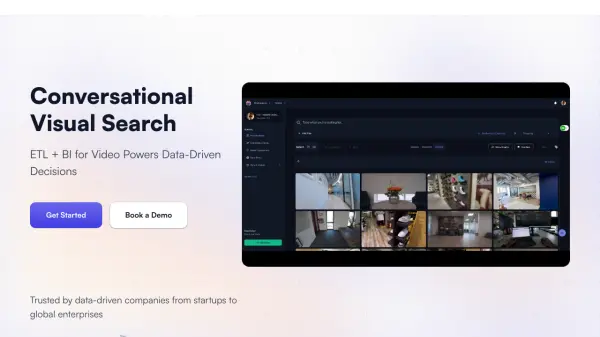
Tenyks provides a cutting-edge Visual Intelligence Platform designed to transform unstructured visual data from sources like CCTV, drones, and satellites into actionable insights. The platform empowers users to make raw footage searchable by extracting, transforming, and analyzing visual data with multi-modal and reverse image searches.
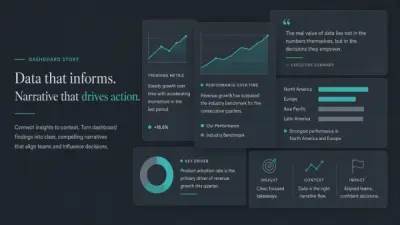
Users benefit from interactive BI dashboards to track trends and drive smarter, data-driven decisions. Tenyks's solution is designed to be easily integrated into enterprise workflows with features such drag-and-drop functionality and private cloud storage.
Features
- Multi-modal Search: Find specific objects, events, people, and activities across large visual data assets.
- Powerful Dashboards: Build interactive dashboards to monitor & compare trends over time, and generate comprehensive reports.
- Simple Integration: Drag-&-Drop with the UX, leverage our SDK, or just connect private cloud storage.
- Scalable Data Processing: Handle petabytes of visual data from various sources, ensuring speed and efficiency.
- Failure Analysis: Detect, visualize, & correct data failures to train better models.
- Model Performance: Compare your model's performance and ship industry-models quickly.
- Data Quality Analysis: Visualize, identify, and correct issues in your data.
Use Cases
- Retail: Gain insights into customer behavior, preferences, and reactions.
- Finance: Discover market opportunities and utilize alternative data from visual sources.
- Media and Advertising: Streamline video cataloging and accelerate content creation.
FAQs
-
How does your per camera pricing model work?
The pricing model is usage-based, charged per camera per month. Costs are determined by operational time and the number of activities monitored. Flexible pricing options are available for additional activity monitoring. -
Can we add or remove cameras?
Yes, cameras can be enabled or disabled at any time. Billing is based on full-month usage per camera. -
What types of cameras, NVRs, and VMS devices do you support?
Tenyks supports any camera that provides RTSP(S) stream access, including NVRs and VMS software. -
Do you support custom activity detection?
Yes, Visual Agentic Workflows can be customized to track unique activities, events, and objects, including combinations of these. -
What file format do you support?
Please upload MP4. AVI is not supported. Other formats are not officially supported, but could work.