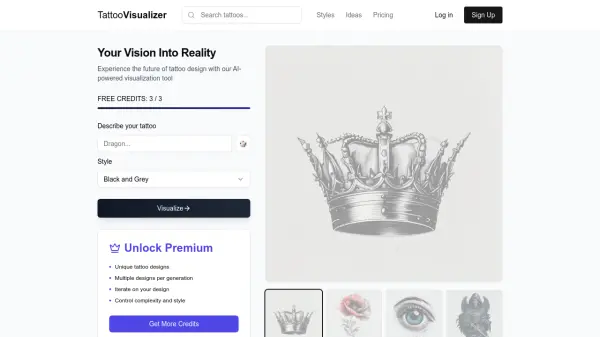
What is TattooVisualizer?
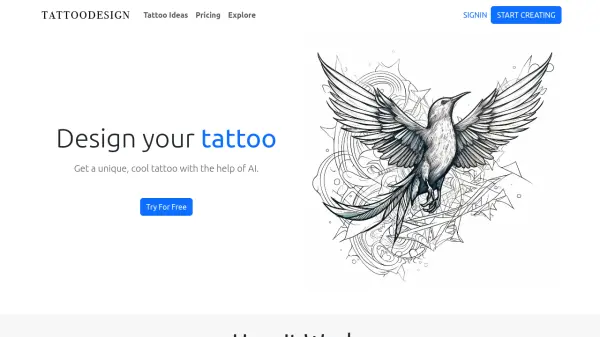
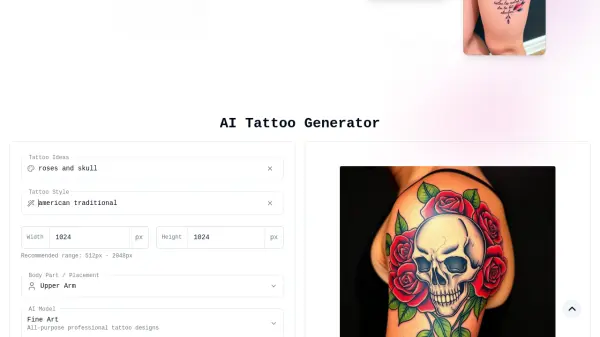
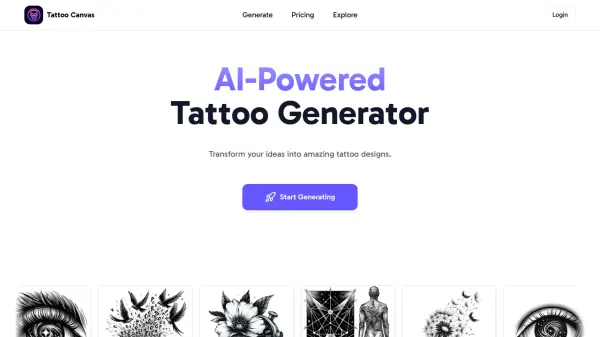
TattooVisualizer leverages Artificial Intelligence to transform your tattoo ideas into visual designs. Users simply describe their desired tattoo concept, and the AI generates unique design options. This tool streamlines the creative process, offering a quick and accessible way to explore potential tattoo aesthetics without needing immediate artistic skills or extensive searches.
The platform operates on a credit system, providing initial free credits upon signup. Users can utilize these credits to generate initial designs and subsequently refine them by creating variations. While the free version offers basic functionality, a premium option unlocks more features, including advanced controls over design complexity and style, access to special styles, and the ability to download super-resolution images, enabling a more detailed exploration towards achieving the ideal tattoo design.
Features
- AI Tattoo Generation: Creates unique tattoo designs based on text descriptions.
- Multiple Designs Per Generation: Provides two design options for each generation credit used.
- Design Iteration: Allows users to refine and generate variations of their initial designs using credits.
- Style & Complexity Control: Offers premium options to control the complexity and style of the generated tattoos.
- Credit System: Operates on credits for generating designs (starts with 3 free credits).
- Super Resolution Downloads: Provides high-resolution downloads of designs for premium users.
- Tattoo Ideas Directory: Includes access to a directory of tattoo ideas and styles.
Use Cases
- Visualizing custom tattoo ideas before consulting an artist.
- Exploring different tattoo styles and concepts.
- Generating unique tattoo designs based on specific themes or descriptions.
- Creating inspiration for tattoo artists.
- Finding a suitable tattoo design through iteration and refinement.
FAQs
-
How do I generate a tattoo?
Describe your tattoo idea in detail, and the AI tool will generate unique designs based on your description using its AI. -
What is 1 credit?
1 credit allows for 1 tattoo generation request, which yields 2 unique tattoo designs. -
How much does TattooVisualizer cost?
You receive 3 free credits upon signing up. A Premium Pack with 100 credits and additional features is available for a one-time payment of $6.99.