What is Tangia?
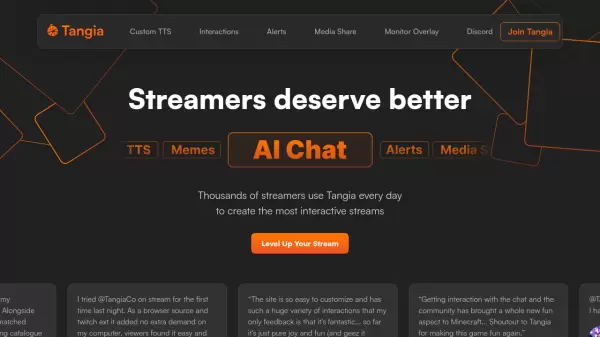
Tangia revolutionizes live streaming by combining cutting-edge AI technology with interactive features to create highly engaging viewer experiences. The platform provides streamers with advanced Text-to-Speech capabilities, including hyper-realistic voice cloning and a library of over 150 hand-crafted voices.
The platform enriches streams through AI-powered conversations, custom personas, soundbite interactions, and image generation capabilities. With features like better alerts, enhanced media sharing, and seamless integration with popular streaming software, Tangia enables creators to build more dynamic and entertaining content.
Features
- AI Text-to-Speech: Over 150 hand-crafted voices and custom voice cloning
- Interactive AI Characters: Create custom AI personas for chat engagement
- Soundbite System: Convert stream clips into playable interactions
- Image Generation: Allow viewers to create images through chat
- Enhanced Alerts: Customizable notifications with TTS and interaction support
- Media Share: Multi-platform support with advanced trimming capabilities
- Meme Library: Access to thousands of curated memes
- Browser Source Integration: Compatible with all major streaming software
Use Cases
- Live stream entertainment enhancement
- Viewer interaction management
- Custom voice creation for streams
- Interactive content generation
- Stream alert customization
- Community engagement through memes
- AI-powered chat interactions
- Dynamic media sharing
FAQs
-
What streaming platforms is Tangia compatible with?
Tangia works with any streaming software that supports browser sources, making it universally compatible with major streaming platforms. -
How long does it take to create a custom TTS voice?
Using the Tangia TTS Studio, you can turn your voice into a hyper-realistic TTS in minutes. -
How are soundbite interactions moderated?
Soundbites submitted by chat must be approved by the streamer or moderators before becoming available as interactions.