What is SwytchCode?
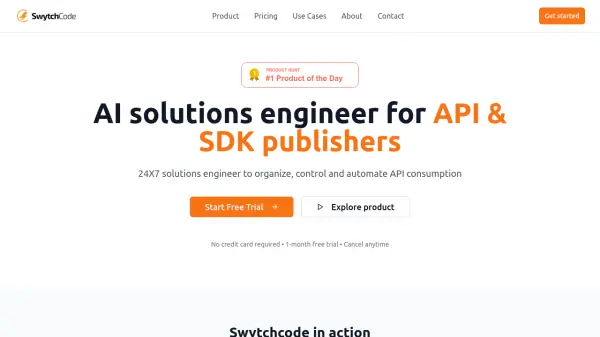
SwytchCode serves as an AI solutions engineer designed specifically for API and SDK publishers. The platform addresses common challenges in API businesses by automating integration processes and reducing manual support burdens. It enables publishers to generate production-ready API integration code with a single click across 15+ programming languages, significantly cutting down integration time from hours to minutes.
The tool features a drag-and-drop interface for building custom workflows, smart testing capabilities for mocking API calls, and comprehensive documentation generation. By providing 24/7 intelligent support, SwytchCode helps reduce support tickets by 60% while increasing developer success rates to 95%. The platform transforms how developers interact with APIs, making integration more accessible and efficient for teams worldwide.
Features
- One-Click Code Generation: Generate production-ready API integration code with a single click for 15+ programming languages
- Custom Workflow Builder: Build custom workflows in seconds with intuitive drag-and-drop interface and MCP server integration
- Smart Testing Capabilities: Mock test API calls with automated testing and instant workflow creation
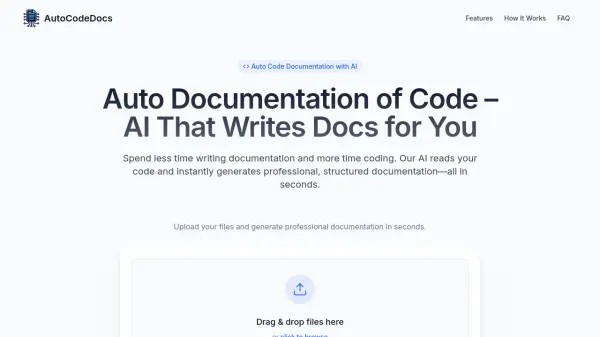
- Comprehensive Documentation: Publish detailed API documentation and playgrounds in under 10 minutes
- 24/7 Intelligent Support: AI-powered solutions engineer provides continuous assistance to reduce support tickets
Use Cases
- Reducing API integration support costs for publishers
- Accelerating developer adoption of new APIs
- Automating API documentation creation and maintenance
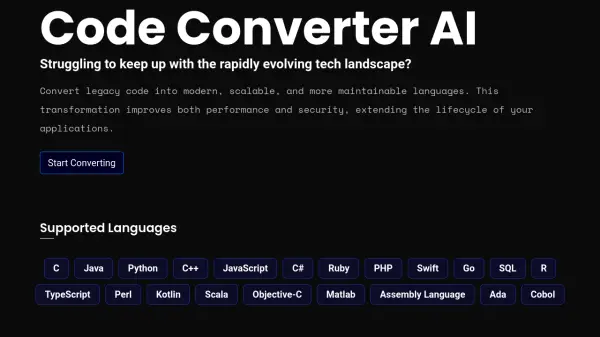
- Simplifying multi-language API integration processes
- Streamlining API testing and debugging workflows
FAQs
-
What happens if I exceed my MCP integration limit?
You'll receive notifications when approaching your limit and can either upgrade your plan or purchase additional API calls by contacting sales. -
Do you offer free plans for open source projects?
Yes, open source projects can use the Starter plan for free after approval by creating an account and submitting their project. -
What happens after the free trial ends?
You must upgrade to a paid plan to continue using the platform, and existing services will be stopped if you don't upgrade. -
Can I change my subscription plan at any time?
Yes, you can upgrade or downgrade your plan anytime with changes taking effect immediately and billing differences prorated.