What is Swype.Cards?
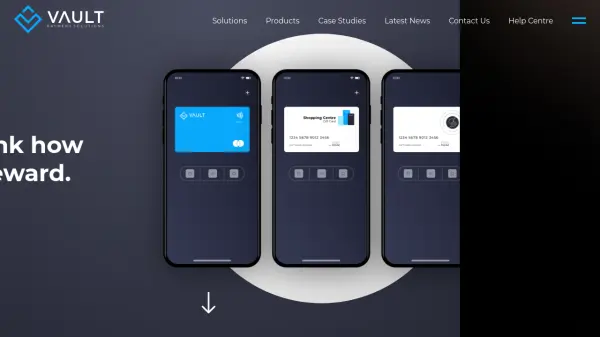
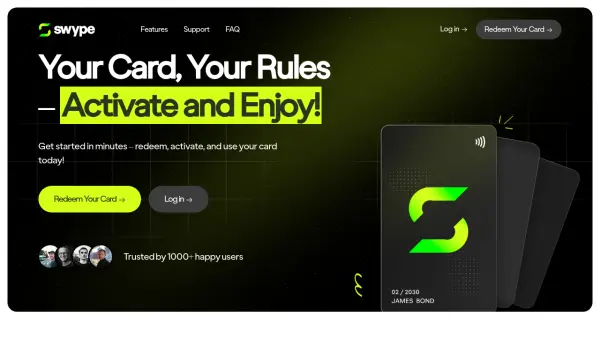
Swype.Cards provides a versatile virtual prepaid card solution for gifting, rewards, and personal spending. Users can purchase cards through approved resellers and receive a redemption link via email, which allows them to activate the card after completing a quick verification process. Once activated, the card can be used at millions of retailers globally, both online and in-store through mobile wallets like Apple Pay and Google Wallet.
The platform emphasizes security with bank-grade encryption, PCI-DSS compliance, and multi-factor authentication. It supports international use with features like no 3D verification for instant transactions and offers end-to-end customer support for assistance with activation, transactions, or disputes. Swype.Cards is designed for one-time use with no reloading required, making it a convenient option for various occasions.
Features
- Global Use: Accepted at millions of retailers worldwide with support for international transactions.
- Mobile Wallet Integration: Compatible with Apple Pay and Google Wallet for contactless payments.
- Security Features: Bank-grade encryption, PCI-DSS compliance, and multi-factor authentication for data protection.
- No 3D Verification: Allows instant card use without additional verification steps.
- Simple API Integration: Enables programmable reward experiences for businesses.
Use Cases
- Sending virtual gift cards to family or friends for special occasions.
- Providing employee rewards or incentives in a corporate setting.
- Making online purchases at global retailers without a traditional bank card.
- Using contactless payments in-store via mobile wallets for convenience.
- Managing prepaid spending for travel or budgeting purposes.
FAQs
-
How do I activate my Swype.Cards link?
Click the link in your email and follow the activation process to make the card ready for use. -
What happens if my Swype.Cards link expires?
Activation links typically expire after 60 days, so redeem your reward as soon as possible to avoid forfeiture. -
Can I use Swype.Cards with a VPN?
Using a VPN may trigger fraud protection and block transactions; it's recommended to disable VPNs when redeeming or using the card. -
How do I dispute a charge on my Swype.Cards?
Log in to your account, access the transaction details in your card transaction report, and go to the 'Help and Support' section to raise a dispute. -
What support issues can Swype.Cards resolve?
Support can assist with expired or missing links, card activation problems, transaction errors, limit clarifications, refund eligibility, and fraud/dispute assistance.