What is SwitchLight?
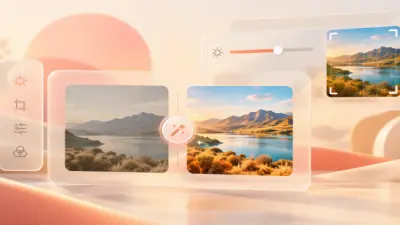
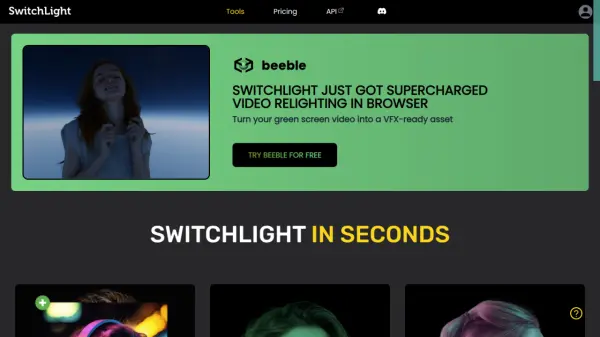
SwitchLight is an innovative tool developed by AI researchers in Seoul, South Korea. It leverages state-of-the-art AI technology to analyze and composite images, providing optimal lighting and backgrounds.
The tool offers various functionalities, including HDRI relighting, copying light from portrait images, and PBR material acquisition. SwitchLight supports PNG, JPG/JPEG, and WEBP formats for input, with output provided in PNG format. For optimal results, it's recommended to use images with a resolution below 2048x2048, particularly portrait-oriented images.
Features
- Copy Light: Copy and paste the lighting of any portrait image.
- HDRI Relight: Illuminate images using HDRI panorama images.
- PBR Material Acquisition: Extract normal, albedo, and roughness maps for 3D software.
- Unlimited Relighting: Freely relight images as many times as desired (Pro plan).
- Lighting Presets: Utilize pre-designed lighting presets for quick relighting (Pro plan).
- Batch Processing: Relight up to 10 images and extract maps simultaneously (Pro plan).
- Watermark Removal: Remove the SwitchLight watermark from output images (Pro plan).
- Lighting Customization: Upload custom images for personalized lighting (Pro plan).
Use Cases
- Relighting portrait images.
- Creating specific lighting effects using HDRI environments.
- Generating PBR material maps for 3D rendering.
- Enhancing images with custom lighting.
- Batch processing images
FAQs
-
What image formats can SwitchLight handle?
SwitchLight supports PNG, JPG/JPEG, and WEBP formats for input images. The output is provided in PNG format. -
Can I use my own lighting and background with SwitchLight?
Certainly! With an active subscription, you can upload your own HDRI or portrait images to generate your own templates. If you don't have a subscription yet, consider subscription to access these features. -
Can I cancel my subscription?
Yes, you can cancel your subscription at any time. Simply navigate to your account to do so. -
Where does the HDRI backgrounds come from?
SwitchLight uses HDRI assets from polyhaven.com, a free resource for high-quality 3D assets. Thanks to the creators of Poly Haven for their amazing work! -
How can I contact SwitchLight if I have further questions?
You can reach out to us on our discord or send us an email at [email protected]. We will respond to your query as soon as possible.