Swarms favicon

Swarms
Discover and Access AI Tools, Agents, and Prompts

What is Swarms?

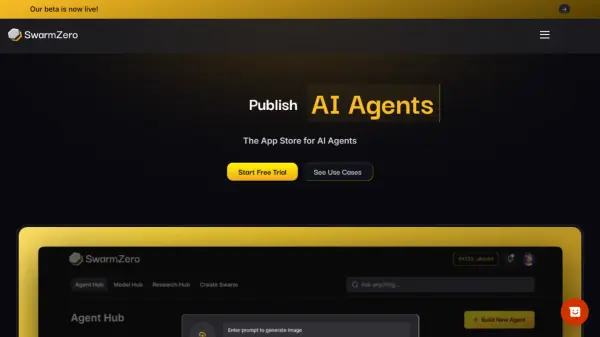
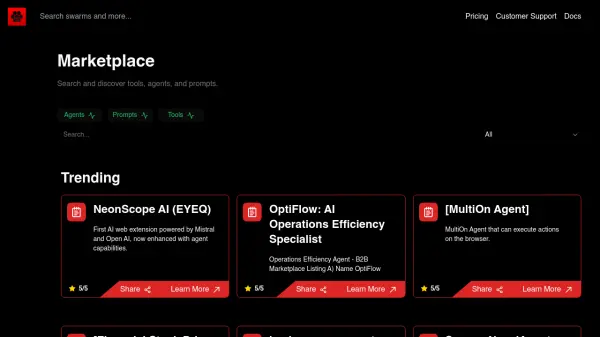
Swarms is a comprehensive platform designed to provide access to a wide range of AI tools, agents, and prompts. The platform caters to different user needs with tiered subscription plans.

Swarms offers a flexible pricing structure, including a free tier that provides basic access and pay-per-use pricing. Paid plans, such as Premium and Enterprise, unlock additional features, including access to premium models, high-performance GPUs, and priority support.

Features

  • Basic Access: Provides fundamental access to the platform's features.
  • Pay-Per-Use Pricing: Users pay only for the resources they consume.
  • Community Support: Access to a community forum for assistance and collaboration.
  • Premium Multi-Modality Models: Access premium models (available in higher tiers).
  • High-Performance GPUs: Increased processing power for demanding tasks (available in higher tiers).
  • Priority Support: Get faster and dedicated customer service
  • Early Access: Get access to new models and Features before everyone.

Use Cases

  • Exploring new AI tools.
  • Developing AI-powered applications.
  • Finding prompts for specific tasks.
  • Building and deploying AI agents.
Related Tools:

Blogs:

  • AI Testimonial Videos: How to Build Social Proof That Actually Converts

    AI Testimonial Videos: How to Build Social Proof That Actually Converts

    AI testimonial videos are transforming marketing in 2026 by helping businesses create professional customer-style videos quickly and affordably. Using real customer reviews, short scripts, and AI tools like Pollo AI, brands can produce engaging testimonials for social media, landing pages, and ads while saving time and improving conversions.

  • Top 6 AI note-taking tools for 2026: in-person, online, and hybrid use cases

    Top 6 AI note-taking tools for 2026: in-person, online, and hybrid use cases

    Most AI note-taking lists are really lists of meeting bots, which join your video call and transcribe it. That's useful, but it's half the picture. Decisions happen in hallway conversations, client dinners, on-site visits, and hybrid rooms where nobody is on a video link. This guide covers different parts of the note-taking workflow: hardware capture for in-person settings, platform-native tools for online calls, and AI layers for organizing and synthesizing what you've captured. It compares six tools by capture context, workflow fit, pricing, and limitations.

Didn't find tool you were looking for?

Be as detailed as possible for better results