What is SubtitleBot?
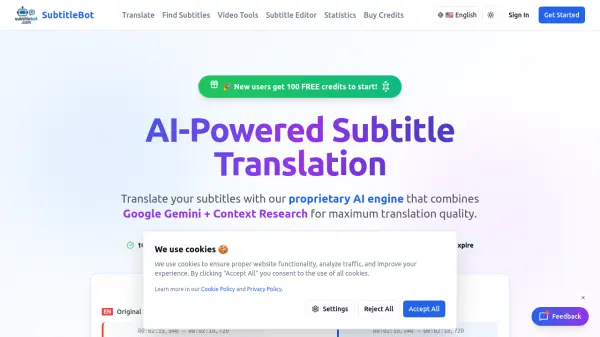
SubtitleBot leverages artificial intelligence to deliver efficient subtitle translation and timing adjustment solutions. The platform supports over 100 languages, including all major world languages, and offers both standard and premium AI translation models. Users can process subtitle files through batch operations and access their translation history for streamlined workflow management.
The service operates on a credit-based system where users purchase credits that never expire. Standard translation costs 0.5 credits per 20 lines, while premium translation costs 1.5 credits per 20 lines. The platform provides tools for finding subtitles, editing subtitle files, and various video-related utilities, making it a comprehensive solution for content creators needing multilingual subtitle capabilities.
Features
- AI Translation: Context-aware subtitle translation across 100+ languages
- Timing Adjustment: Automated subtitle timing synchronization with video content
- Batch Processing: Process multiple subtitle files simultaneously for efficiency
- Translation History: Track and access previous translation projects
- Credit System: Pay-per-use credits that never expire for flexible usage
Use Cases
- Translating subtitles for YouTube videos to reach international audiences
- Adjusting subtitle timing for professional video productions
- Creating multilingual subtitles for educational content
- Localizing video content for different regional markets
- Processing large volumes of subtitle files for media companies
FAQs
-
How does the credit system work for translation services?
Standard translation costs 0.5 credits per 20 lines, while premium translation costs 1.5 credits per 20 lines. Credits are deducted based on the actual number of lines processed and the translation model selected. -
Do purchased credits have an expiration date?
No, credits never expire and can be used whenever subtitle translation services are needed. -
What languages are supported for subtitle translation?
The platform supports 100+ languages including all major world languages, with AI providing context-aware translations for accurate results. -
What is the refund policy for unused credits?
Refunds are available within 7 days of purchase if no credits have been used. Users should contact the support team for assistance with refund requests.