
StoryArt AI favicon

StoryArt AI
Bring Your Stories to Life with AI Magic

What is StoryArt AI?

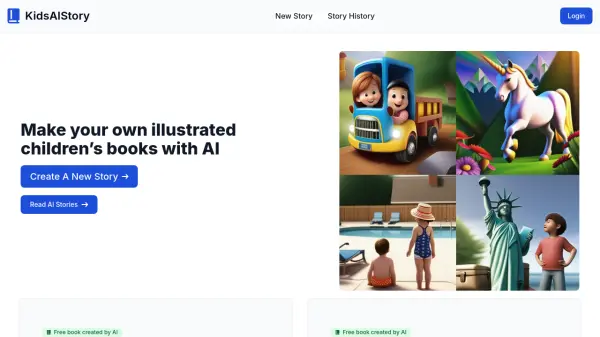
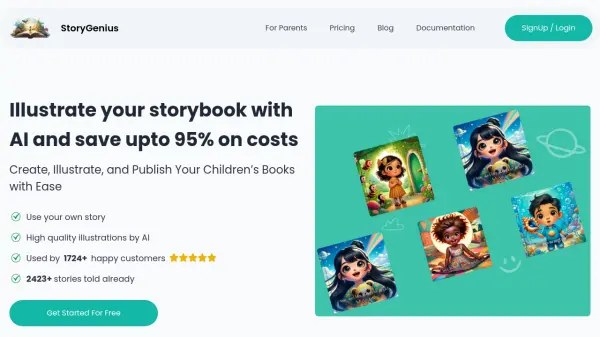
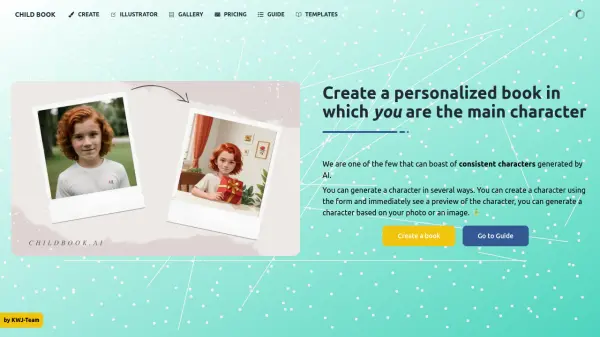
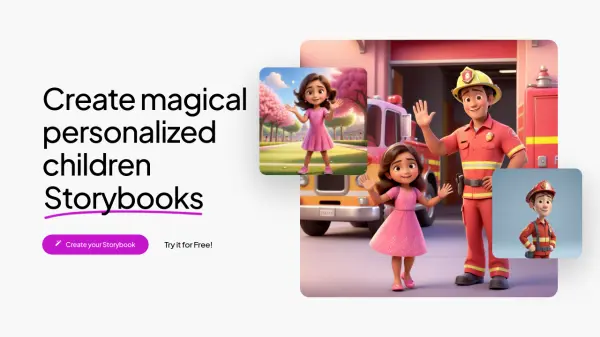
StoryArt AI provides a platform for creating distinctive illustrations tailored for children's books. By utilizing artificial intelligence, users can generate unique artwork simply by providing a text prompt, enabling authors and creators to visually enhance their narratives.

The tool offers a diverse range of artistic styles to suit different story themes and aesthetics. Users can select from options including Comics, Soft Watercolor, Coloring Book (Line Art), Fun Pixel Art, Childlike Naive Art, and Creative Collage, ensuring a suitable visual match for their imaginative concepts.

Features

  • AI Illustration Generation: Create unique illustrations for children's books using text prompts.
  • Multiple Art Styles: Choose from Comics, Soft Watercolor, Coloring Book (Line Art), Fun Pixel Art, Childlike Naive Art, and Creative Collage.
  • Style Variety: Select the illustration style that best suits your story's theme and vibe.
  • Prompt-Based Creation: Generate artwork simply by inputting descriptive text.

Use Cases

  • Illustrating children's books
  • Creating custom artwork for stories
  • Visualizing narrative concepts
  • Generating illustrations in specific artistic styles (e.g., comic, watercolor, pixel art)
  • Enhancing storytelling with unique visuals

Related Tools:

Blogs:

  • Best Content Automation AI tools

    Best Content Automation AI tools

    Streamline your content creation process, enhance productivity, and elevate the quality of your output effortlessly. Harness the power of cutting-edge automation technology for unparalleled results

  • Long Videos into Viral Shorts

    Long Videos into Viral Shorts

    Klap.app is an AI-powered video editing tool that transforms long-form videos into engaging short clips optimized for platforms like TikTok, Instagram Reels, and YouTube Shorts

  • Top 6 AI note-taking tools for 2026: in-person, online, and hybrid use cases

    Top 6 AI note-taking tools for 2026: in-person, online, and hybrid use cases

    Most AI note-taking lists are really lists of meeting bots, which join your video call and transcribe it. That's useful, but it's half the picture. Decisions happen in hallway conversations, client dinners, on-site visits, and hybrid rooms where nobody is on a video link. This guide covers different parts of the note-taking workflow: hardware capture for in-person settings, platform-native tools for online calls, and AI layers for organizing and synthesizing what you've captured. It compares six tools by capture context, workflow fit, pricing, and limitations.

Didn't find tool you were looking for?

Be as detailed as possible for better results