What is Stenography?
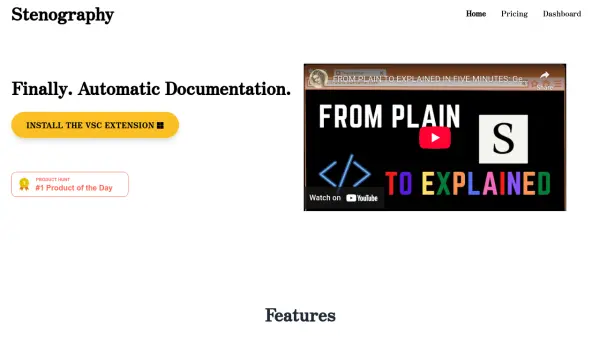
Stenography is a powerful tool designed to automate the process of creating and maintaining code documentation. By automatically generating documentation, Stenography saves developers significant time and effort, allowing them to focus on writing code rather than documenting it. This ensures that documentation is always up-to-date and consistent with the codebase, improving overall project maintainability and reducing the risk of outdated information.
The tool integrates seamlessly into the development workflow, offering features like a Chrome Extension and API access. Stenography's automated approach helps streamline the development process, making it an essential asset for teams and individual developers aiming for high efficiency and code clarity.
Features
- Chrome Extension: Seamless integration with the Chrome browser for enhanced productivity.
- Populated Documentation Explanations: Automatically generates clear explanations for your code.
- Stack Overflow Search Suggestions: Provides relevant Stack Overflow search results directly within your workflow.
- API Access: Allows integration with other tools and services.
- Custom Populated Documentation Upload: Enables teams to upload and manage custom documentation.
Use Cases
- Automating documentation for large codebases.
- Maintaining up-to-date documentation for frequently updated projects.
- Improving code maintainability for team projects.
- Integrating documentation generation into existing development workflows.
- Facilitating onboarding of new team members with comprehensive code explanations.