Stability World AI favicon

Stability World AI
Pioneering New Creative Dimensions

What is Stability World AI?

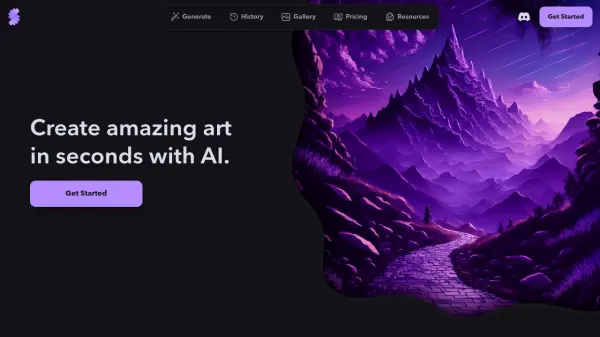
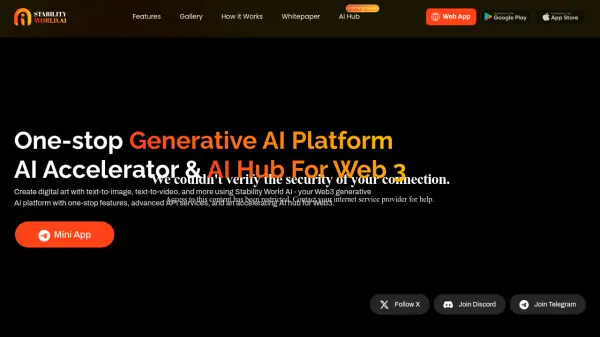
Stability World AI is a Web3 generative AI platform designed for creating digital art. This platform supports a variety of AI-powered tools, including text-to-image and text-to-video generation.

Stability World AI functions as an AI accelerator and hub within the Web3 space, offering advanced API services. The platform is designed to be a comprehensive solution for users looking to engage with generative AI technologies.

Features

  • AI Image Style Transfer: Transfer styles between images using AI.
  • AI Text to Image: Generate images from text descriptions.
  • AI Image Face Swap: Swap faces in images using AI.
  • AI Text to Video: Create videos from text inputs.

Use Cases

  • Creating digital art from textual descriptions.
  • Generating videos from text prompts.
  • Transferring artistic styles between images.
  • Swapping faces in existing images.
Related Tools:

Blogs:

  • Top AI tools for Teachers

    Top AI tools for Teachers

    Explore the top AI tools designed for teachers, revolutionizing the education landscape. These innovative tools leverage artificial intelligence to enhance teaching efficiency, personalize learning experiences, automate administrative tasks, and provide valuable insights, empowering educators to create engaging and effective educational environments.

  • Best AI tools for recruiters

    Best AI tools for recruiters

    These tools use advanced algorithms and machine learning to automate tasks such as resume screening, candidate matching, and predictive analytics. By analyzing vast amounts of data quickly and efficiently, AI tools help recruiters make data-driven decisions, save time, and identify the best candidates for open positions.

  • Top 6 AI note-taking tools for 2026: in-person, online, and hybrid use cases

    Top 6 AI note-taking tools for 2026: in-person, online, and hybrid use cases

    Most AI note-taking lists are really lists of meeting bots, which join your video call and transcribe it. That's useful, but it's half the picture. Decisions happen in hallway conversations, client dinners, on-site visits, and hybrid rooms where nobody is on a video link. This guide covers different parts of the note-taking workflow: hardware capture for in-person settings, platform-native tools for online calls, and AI layers for organizing and synthesizing what you've captured. It compares six tools by capture context, workflow fit, pricing, and limitations.

Didn't find tool you were looking for?

Be as detailed as possible for better results