
What is SSSThreads?
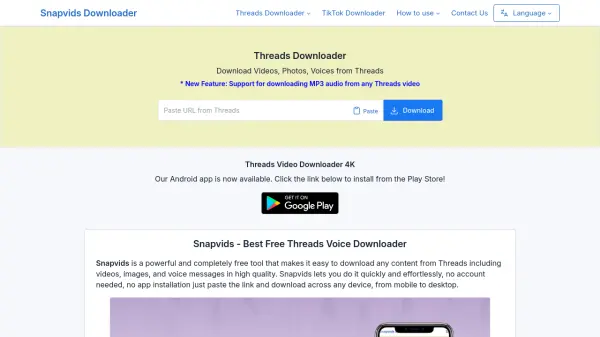
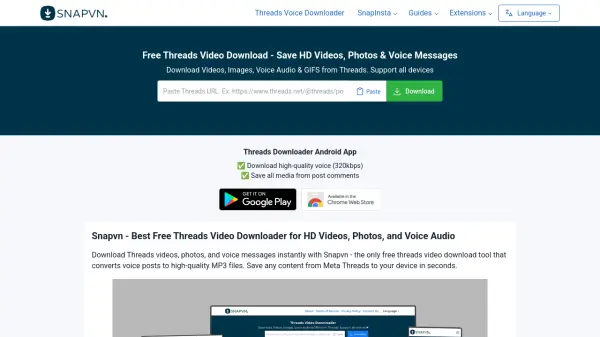
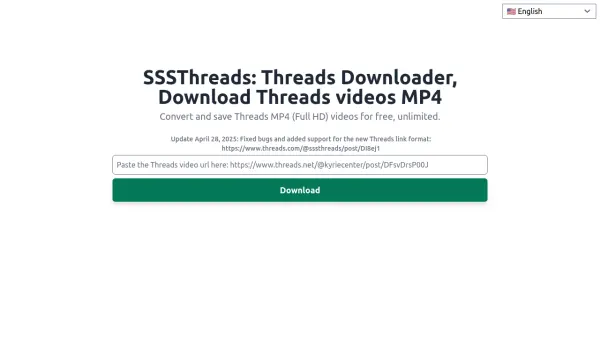
SSSThreads provides a straightforward solution for downloading videos from the Threads social media platform. Users can save videos in MP4 format with quality ranging from 720p to 1080p without requiring account registration. The tool operates through a simple three-step process: copying a Threads video link, pasting it into the website, and downloading the video directly to a device.
This service is designed to work on multiple devices and operating systems, including smartphones, tablets, and desktops. It leverages a Content Delivery Network (CDN) for fast download speeds and emphasizes user privacy by not storing personal information. While it supports public videos only, it offers an ad-free experience and does not impose download limits.
Features
- Download High-Quality Videos (Up to 1080p): Supports video resolutions from 720p to 1080p for sharp offline viewing
- Friendly and Easy-to-Use Interface: Simple process of copying, pasting links, and clicking download
- Compatible With Many Devices and Operating Systems: Works on smartphones, tablets, desktops with iOS, Android, Windows, macOS, Linux, Ubuntu
- Fast Download Speed: Utilizes Content Delivery Network (CDN) for quick video saving
- Free, Safe, And Secure: No cost, protects personal information, and does not require account login
- No Account Login Required: Download videos without logging into a Threads account
Use Cases
- Saving favorite Threads videos for offline viewing
- Archiving educational or informative content from Threads
- Collecting video content for personal projects or references
- Downloading public Threads videos without watermarks or logos
FAQs
-
What video formats does SSSThreads support?
SSSThreads supports MP4 video format for downloads. -
Can I download private Threads videos with this tool?
No, SSSThreads only supports downloading public videos from Threads. -
Where are downloaded videos saved on my device?
Downloaded videos are saved to the default 'Downloads' folder on your device. -
Is there a browser extension available for SSSThreads?
Yes, you can use a browser extension for Chrome or Edge to download Threads videos. -
What should I do if I encounter an error while using SSSThreads?
You can contact the support team via social networks like Facebook, Instagram, VK, Ok.ru, or email at [email protected].