What is SoVisual.co?
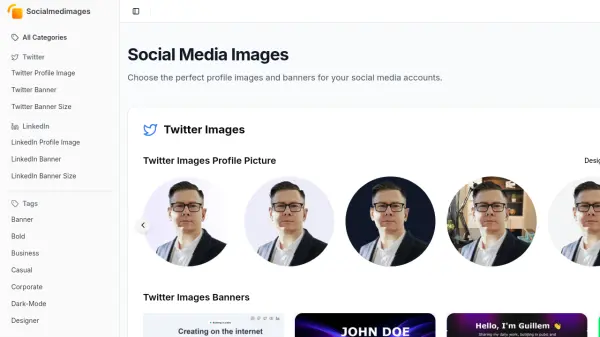
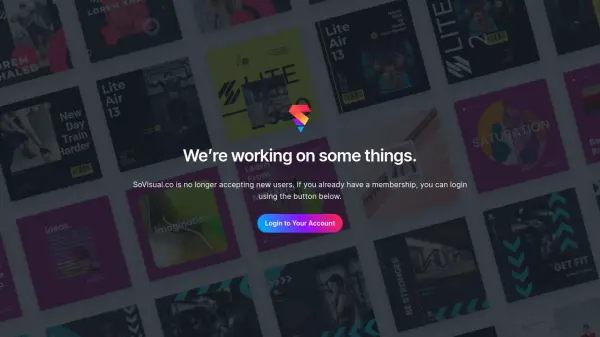
SoVisual.co is designed for busy creators seeking an efficient way to produce social media graphics without complex design tools. The platform emphasizes simplicity, allowing users to generate images by filling in blanks within pre-designed templates. It eliminates the need for manual adjustments or intricate settings, making graphic creation accessible even for those without extensive design experience.
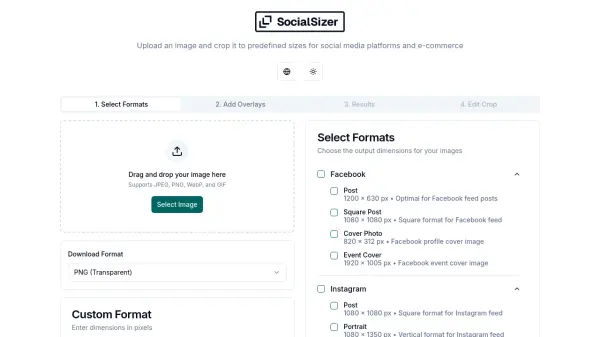
A key feature is its automatic resizing capability. SoVisual.co automatically generates optimized image sizes for various social media platforms, including Instagram, Facebook, Twitter, and LinkedIn (Square, Portrait, Landscape, Story formats). This ensures graphics are pixel-perfect and platform-appropriate without additional effort. The Pro plan further enhances efficiency with Brand Presets and AI Assist features.
Features
- Simple Interface: Create graphics easily by filling out a form.
- Automatic Resizing: Generates optimized sizes for Instagram, Facebook, Twitter, and LinkedIn automatically.
- Template-Based Design: Utilizes various pre-made designs for quick content creation.
- AI Assist: Offers AI-powered design assistance (Pro plan feature).
- Brand Presets: Allows storing brand settings for consistent design (Pro plan feature).
Use Cases
- Generating social media graphics rapidly.
- Creating consistent branding across social media posts.
- Simplifying image creation for non-designers.
- Producing visuals for multiple platforms simultaneously.
- Saving time on social media content creation.