What is SocialBotify?
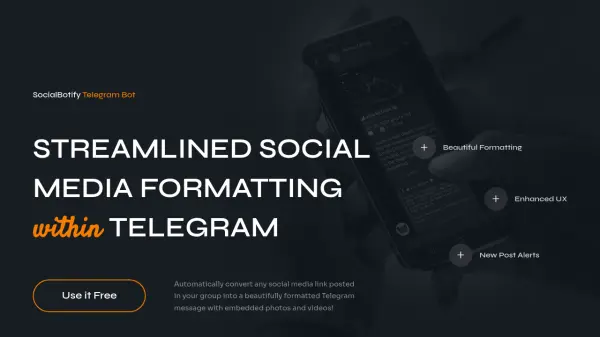
This innovative Telegram bot transforms the way users share and consume social media content within Telegram groups. By automatically converting social media links into beautifully formatted messages, complete with embedded photos and videos, it eliminates the need for users to switch between different apps and websites.
The platform offers powerful features including instant link formatting, new post alerts for monitored X/Twitter accounts and YouTube channels, and the ability to customize data pulling from various third-party sources. The service ensures group members stay engaged by maintaining a seamless in-app viewing experience.
Features
- Instant Link Formatting: Automatically converts social media links into formatted Telegram messages
- Embedded Multimedia: Displays photos and videos directly within Telegram
- New Post Alerts: Notifications for new content from monitored social media accounts
- In-App Viewing: Keeps users engaged within Telegram without external redirects
- Custom Integration: Ability to pull data from third-party sources and APIs
Use Cases
- Managing social media content in Telegram groups
- Monitoring social media accounts for new posts
- Streamlining content sharing in Telegram channels
- Maintaining group engagement through in-app content viewing
- Aggregating content from multiple social media platforms
FAQs
-
What social media platforms are supported?
The bot is compatible with major social media platforms including X/Twitter, YouTube, and other top social media platforms. -
What are the group size limitations?
The Basic plan supports groups with 100-1K members, while Premium plan supports groups of any size. -
Can I customize the data sources?
Yes, with the Custom plan you can pull data from other websites, APIs and external sources.