What is Snapseed QR Codes?
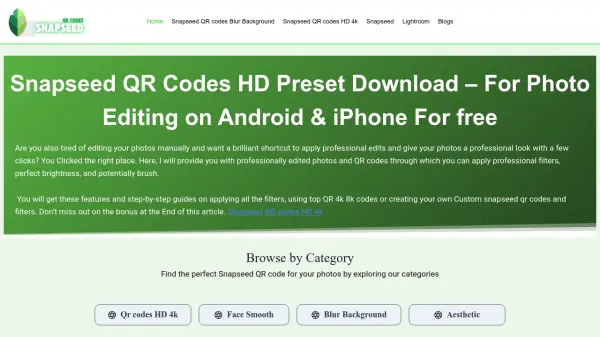
Snapseed QR Codes offer a streamlined approach to mobile photo editing by providing downloadable QR code presets that contain pre-configured editing settings. These digital codes store comprehensive editing adjustments including filters, brightness, contrast, saturation, and specialized effects. Users can scan these QR codes within the Snapseed mobile application to instantly apply professional-grade edits to their photos without manual adjustments.
The system enables efficient photo editing workflows by allowing users to reuse editing configurations across multiple images, maintain visual consistency for projects, and share editing styles with others. The QR codes support various editing categories including face smoothing, background blur, aesthetic filters, vintage effects, and cinematic styles. This approach eliminates the need for repetitive manual editing while preserving the original image quality and providing customization flexibility after preset application.
Features
- QR Code Presets: Downloadable digital codes containing pre-configured photo editing settings for instant application
- Mobile Integration: Seamless scanning and application within the Snapseed mobile app for Android and iOS devices
- Editing Categories: Presets organized by editing styles including face smoothing, background blur, aesthetic filters, and vintage effects
- Customization Flexibility: Ability to adjust applied presets further after scanning to meet specific requirements
- Sharing Capability: Easy distribution of editing styles through QR code sharing with others
Use Cases
- Applying professional photo edits to social media images quickly
- Maintaining consistent visual style across multiple images for projects
- Learning photo editing techniques by exploring preset configurations
- Sharing editing styles with friends or photography communities
- Enhancing mobile photography without extensive manual editing
FAQs
-
How do I scan Snapseed QR codes?
Open the Snapseed app, select your photo, tap the three dots in the top right corner, choose 'QR code' and 'Scan QR Code', then point your camera at the QR code image. -
Can I create my own Snapseed QR codes?
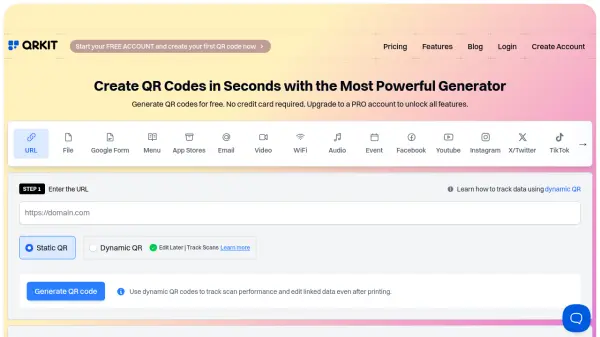
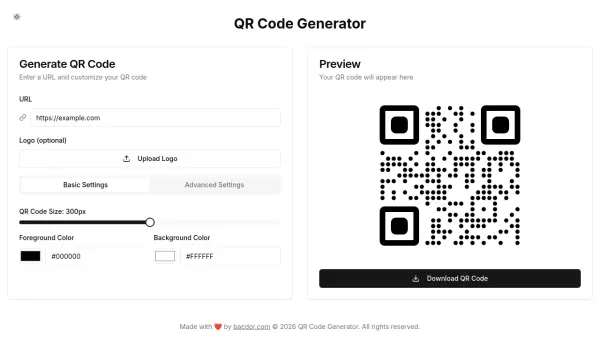
Yes, after editing a photo in Snapseed, tap the edit stack option at the top right corner and select 'Create QR Code' to generate your custom preset. -
Do Snapseed QR codes work on all photo types?
They work on most photos, but results may vary based on original image characteristics like brightness and color grading; some adjustments might be needed for optimal results. -
Where can I find more Snapseed QR codes?
You can find them on the Snapseedqrcodess.net website, Instagram creators' profiles, Pinterest boards, and Reddit communities dedicated to photo editing.