What is Snappa?
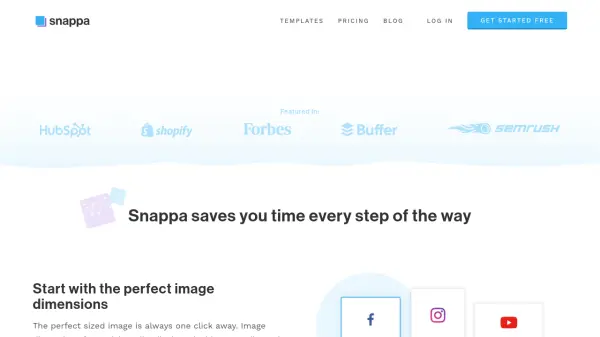
Snappa is a graphic design tool tailored for non-designers who need to create visuals for online use. It streamlines the design process with features such as one-click image dimension presets, thousands of pre-made templates, and an extensive library of high-resolution stock photos and graphics.
The platform provides an intuitive interface that requires no design experience. Users can easily add text, shapes, and effects, along with a one-click background removal feature. Graphics created can be resized for different platforms and directly shared to social media, further enhancing workflow efficiency.
Features
- Pre-made templates: Choose from thousands of templates for various online platforms.
- High-res stock photos: Access over 5,000,000 free, high-resolution stock photos.
- Graphics and effects: Add text, vectors, shapes, and photo effects with ease.
- One-click background removal: Remove image backgrounds instantly.
- Image resizing: Resize graphics for different platforms with a single click.
- Social media integration: Schedule and share graphics directly to social media.
Use Cases
- Creating social media graphics
- Designing display ads
- Producing blog images
- Crafting email visuals
- Developing infographics
- Creating marketing materials
FAQs
-
Are all of your photos and graphics completely free?
They sure are! All photos and graphics included in Snappa are 100% royalty-free. They can be used for both commercial and non-commercial purposes and you are not required to provide attribution. -
Can I use my own company logos and graphics?
Of course! You can upload all of your own photos and graphics into the program and keep your branding intact. -
Can I use my own custom image dimensions?
Definitely! In addition to providing popular presets, Snappa allows you to create images with custom sized dimensions thus giving you endless possibilities for creating graphics. -
Are you always adding to your library of photos and templates?
Absolutely! Over a thousand new photos are added daily and our team of in-house designers are busy creating new templates each and every week. -
Do I need to install anything to run Snappa?
Nothing whatsoever! Snappa lives in the cloud so you can access it on any laptop or desktop computer with an internet connection.