


What is SnapEdit?
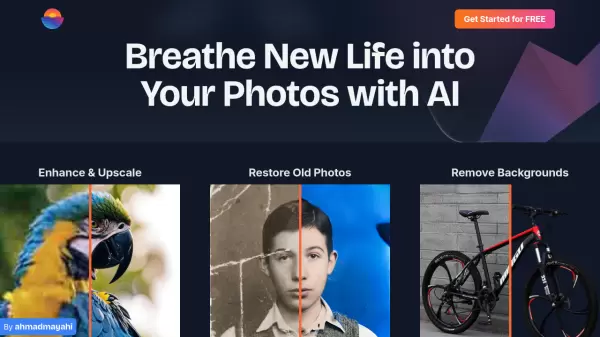
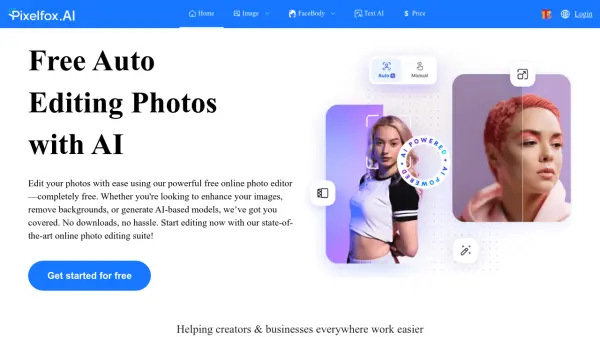
SnapEdit leverages artificial intelligence to simplify the photo editing process, offering a suite of tools designed for ease of use. Users can achieve significant photo transformations with minimal effort, often with just a single click. Key capabilities include the intelligent removal of unwanted objects, people, text, or distracting elements like wirelines from images. The platform also excels at enhancing photo quality by automatically improving resolution and clarity, particularly for blurry pictures.
Beyond cleanup and enhancement, SnapEdit provides seamless background removal and replacement features, supported by numerous pre-designed templates. It incorporates specialized AI functions like skin retouching to remove blemishes and create a smooth finish. Accessible online via web browsers and through dedicated mobile apps, the tool caters to both beginners and those needing quick, professional-looking results without complex software. It supports high-definition exports, ensuring edited images maintain quality.
Features
- Remove Objects: AI detection and removal of unwanted details, with manual override.
- Enhance Photo: Automatically improves resolution and quality, fixing blurry images (up to 4X upscale).
- Remove Background: Seamlessly removes image backgrounds with options to edit using templates.
- AI Skin: Retouches skin, removes acne and blemishes for a smoother look.
- Remove Text: Automatically detects and removes text from pictures.
- Remove Wirelines: Cleans up photos by removing power lines and similar obstructions.
- AI Super Remove: Advanced AI capability for more complex object removal.
- AI Magic Enhance: Advanced AI for superior photo quality enhancement.
- Batch Processing: Process multiple images simultaneously (available in paid plans).
Use Cases
- Improving general photography shots.
- Preparing product images for e-commerce stores.
- Retouching fashion photography.
- Cleaning up distracting elements in travel photos.
- Enhancing images for real estate listings.
- Restoring detail and quality in old photographs.
- Colorizing black and white images.
- Removing unwanted people or objects from photos.
FAQs
-
Can I edit photos on a mobile phone with Snapedit.app?
Yes, SnapEdit is available as a web app accessible on various devices and also offers dedicated mobile apps for a better mobile experience. -
How do SnapEdit credits work?
Credits are consumed when using AI-powered features. Different AI tools require a different number of credits per use. Paid subscription plans include a monthly or annual credit allowance, and unused credits typically roll over as long as the subscription remains active. -
What does the term 'unlimited' mean in the SnapEdit pricing plan?
In SnapEdit's plans, 'unlimited' usually refers to access to non-AI features like image conversion or compression. AI features are generally limited by the number of credits available in your plan. The Free plan might offer unlimited exports but with a watermark.