What is Smart Export?
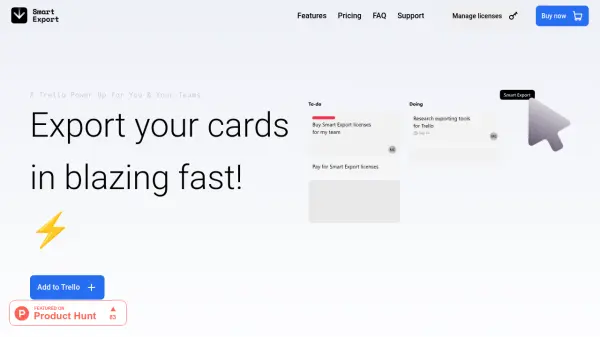
Smart Export is a Trello Power Up designed to enhance productivity by allowing users to export their Trello data efficiently. It supports unlimited exports, boards, and cards, with options to export to Excel, CSV, or JSON formats. Users can customize exported fields, including card ID, name, description, labels, members, and attachments, and apply advanced filters to select specific cards for export.
The tool includes features such as splitting cards into Excel sheets by member or list, auto-applying last-used filters, and exporting full checklist data with items, due dates, assigned members, and status. It integrates seamlessly with Trello to streamline data management and reporting tasks.
Features
- Unlimited Exports: Export unlimited boards and cards without restrictions
- Multiple Formats: Export to Excel, CSV, or JSON for versatile data usage
- Customizable Fields: Choose and arrange exported fields including card ID, name, description, labels, members, and attachments
- Advanced Filters: Set filters to decide which cards are exported based on criteria
- Checklist Export: Export full Trello checklist data with items, due dates, assigned members, and status
Use Cases
- Exporting Trello data for project management reports
- Analyzing team productivity by exporting card assignments and due dates
- Creating backups of Trello boards in structured formats
- Integrating Trello data with other tools using CSV or JSON exports
- Generating customized Excel sheets for client presentations