
What is Slidesome?
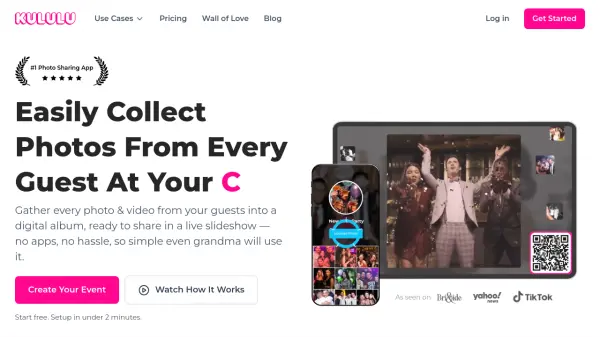
Slidesome enables users to create live, interactive slideshows that aggregate content from various sources including direct uploads, social media platforms like Instagram and Facebook, and cloud storage services such as Dropbox. The platform allows event hosts to customize slideshows with themes, transitions, and background options while providing moderation tools to manage content submissions.
With features like remote control from any device and the ability to display custom posts, Slidesome facilitates real-time audience engagement at events ranging from weddings and conferences to educational and business environments. The service supports multiple feed sources and offers flexible design options to create visually appealing presentations that update automatically as new content is submitted.
Features
- Live Slideshow: Show live feed from Direct Upload, Instagram, Facebook, Dropbox, Google Photos and RSS
- Designer: Flexible slideshow designer with themes, transitions, background photos, colors, custom CSS and more
- Moderation: Hide media or block users with moderation from mobile, PC or anywhere
- Remote Control: Control slideshow from any device to show next/previous posts, pause/resume, send messages and games
- Custom Posts: Create custom posts for displaying event schedules, ads and other content
Use Cases
- Conferences & Festivals for increasing brand awareness and audience engagement
- Celebrations & Parties to gather memories from special events
- Businesses & Organizations to add value and fun to customer experiences
- Education & Sports for motivating, educating and engaging participants
- Social walls for displaying user-generated content
- Weddings for collecting guest photos
- Photobooth applications
- Digital signage for businesses
FAQs
-
Can I cancel my subscription?
You can cancel your subscription at any time on the Billing page. -
Can I get a longer free trial?
You can request a longer trial by contacting us and we will send you a redeem code if we approve your request. -
What payment methods do you offer?
We offer Credit/Debit cards and PayPal for one-time purchases and subscriptions. -
What does limited mean in the designer for the Basic plan?
The Basic plan only allows you to change the text on the information post and the post duration setting in the designer.