What is SlidePack?
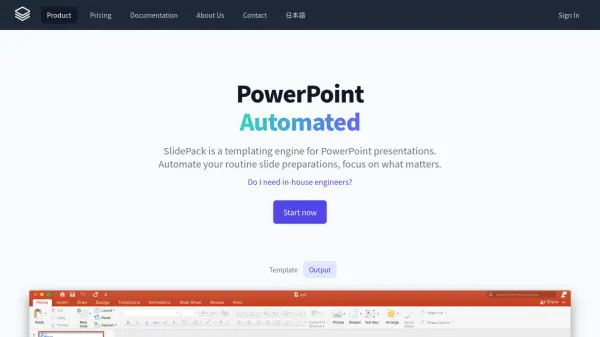
SlidePack is a sophisticated templating engine designed specifically for PowerPoint presentations, developed to streamline business operations since its initial version in 2015. It enables users to automate routine slide preparations by using .pptx files as templates with a simple markup syntax similar to familiar programming languages, allowing placeholders like {greeting} to be inserted directly into slides.
The platform supports dynamic tables and charts that can be populated with JSON data, creating native PowerPoint objects that remain fully editable. Additionally, SlidePack offers an Excel-to-PowerPoint no-code solution where users can point to Excel cells with placeholders like {A1} to automatically populate PowerPoint templates, tables, and charts with the latest data from spreadsheets.
Features
- PowerPoint Templating: Uses .pptx files as templates with simple markup syntax like {placeholder}
- Dynamic Tables and Charts: Populates tables and charts with JSON data arrays, outputting as native PowerPoint objects
- Excel Integration: No-code solution that pulls data from Excel cells directly into PowerPoint templates using placeholders like {A1}
- Automated Reporting: Generates PowerPoint reports from various data sources including databases, APIs, and spreadsheets
- Quality Maintenance: Sets stable baseline quality for presentations while reducing typos and mistakes
Use Cases
- Automating ad performance reports for digital marketing agencies
- Generating Facebook ad reports with integrated ad images
- Creating access analytics reports from Google Analytics data
- Producing e-commerce sales reports from multiple online mall systems
- Developing financial analysis reports for private equity firms
- Creating design documents and catalogs for manufacturing companies
- Generating customized sales pitch slides for large sales teams
- Producing training and education reports for service providers
FAQs
-
Do I need programming skills to use SlidePack?
No programming is needed for the Excel no-code feature. The API is available for more advanced integration, typically handled by engineers. -
What file format does SlidePack use for templates?
SlidePack uses .pptx files as templates, allowing you to use existing PowerPoint presentations with minimal changes. -
Can SlidePack handle dynamic tables and charts?
Yes, SlidePack can populate tables and charts with dynamic data from arrays, outputting them as native PowerPoint objects that remain editable. -
Does SlidePack offer custom development services?
Yes, if your company doesn't have an engineering team, SlidePack can build custom reporting tools tailored to your specific needs.