
What is Slashy?
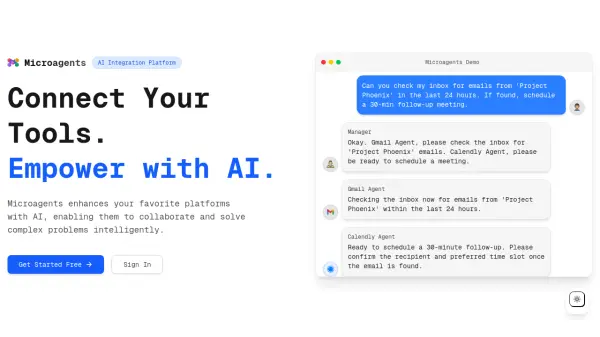
Slashy is an AI automation platform designed to enhance workplace productivity by connecting various business applications. It enables users to create automated workflows that execute based on triggers from connected apps, allowing for seamless task automation across tools like Gmail, Notion, and LinkedIn.
The platform features AI-powered search capabilities that provide instant access to information across all connected applications. Slashy prioritizes data security with strict protection standards, including data retention policies, vulnerability tracking, and a commitment to not training on user data.
Features
- App Integration: Connects to various business tools like Gmail, Notion, and LinkedIn
- Workflow Automation: Build automated sequences that connect favorite tools and streamline tasks
- AI-Powered Search: Find information instantly across all connected applications
- Trigger-Based Execution: Set up intelligent triggers that automatically execute workflows based on app events
- Data Security: Implements strict data protection standards with no training on user data
Use Cases
- Sales research before meetings by researching attendees and generating prep notes
- Finding contact information from LinkedIn profiles
- Creating sales reports from sales data analysis
- Generating content calendars from campaign documents
- Researching competitors and formatting data into documents
- Daily news summarization for staying informed
- Creating learning roadmaps for specific subjects
- Generating customer proposals through research
FAQs
-
What types of applications does Slashy integrate with?
Slashy integrates with various business applications including Gmail, Notion, LinkedIn, and other tools commonly used in workplace environments. -
How does Slashy ensure data security?
Slashy implements strict data protection standards including data retention policies, vulnerability and threat tracking, and a commitment to not training on user data. -
What triggers can be used to execute workflows?
Workflows can be triggered based on events across connected applications, allowing for automated execution when specific conditions are met in your tools.