What is Skinny Filter?
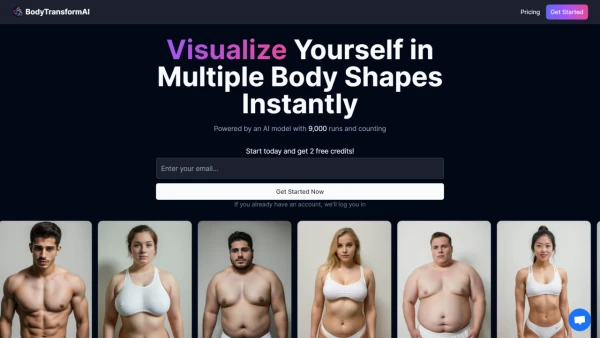
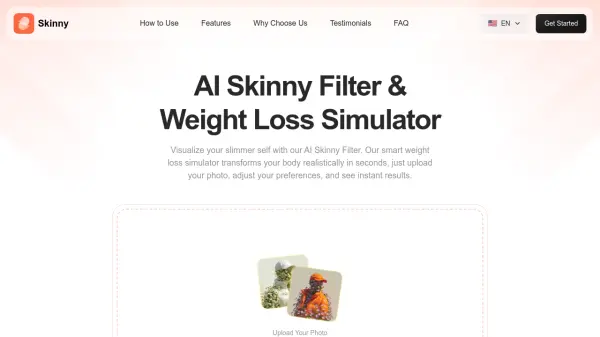
Skinny Filter is an AI-powered online tool designed to create realistic slimmer versions of photos through intelligent body transformation. The platform uses advanced artificial intelligence algorithms to analyze body shape, posture, and facial features, then applies subtle adjustments that maintain natural appearance while achieving a slimmer look. Users simply upload a photo and receive instant results without any technical knowledge or photo editing experience required.
The AI technology preserves original image quality, skin texture, and facial details while gently reshaping body proportions. The tool works effectively on both facial photos and full-body images, providing consistent results across different photo types. All processing happens securely with automatic deletion of uploaded photos, ensuring user privacy and data protection throughout the transformation process.
Features
- Natural Body Slimming: AI gently reshapes body while preserving natural skin texture and image details
- Consistent Results Across Photos: Delivers reliable slimming effects on both selfies and full-body images
- High-Quality Output: Maintains original image resolution without blur or distortion after processing
- Double Chin Reduction: AI detects facial features to naturally improve jawline definition
- Automatic Processing: Works quickly to provide instant results without manual editing required
- Privacy Protection: Photos are processed securely and automatically deleted after transformation
Use Cases
- Creating slimmer versions of personal photos for social media sharing
- Visualizing potential weight loss results for motivation and goal setting
- Enhancing professional photos for content creators and influencers
- Improving facial features by reducing double chin appearance naturally
- Preparing polished images for online profiles and dating apps
- Experimenting with different body proportions for fashion and style planning
FAQs
-
What types of photos work best with the AI skinny filter?
Clear, well-lit photos with natural posture where the face or body is visible work best for accurate AI detection and optimal slimming results. -
How long does it take to process a photo?
The AI processes photos instantly, providing results within seconds after uploading and clicking the generate button. -
Can I use the tool on mobile devices?
Yes, the tool is web-based and works on both desktop and mobile devices through any modern web browser. -
Does the tool work on group photos or multiple people?
The tool is designed for individual photos where the AI can accurately detect and process one person's body shape and features. -
What file formats are supported for upload?
The tool supports common image formats including JPG, PNG, and other standard photo formats for upload and processing.