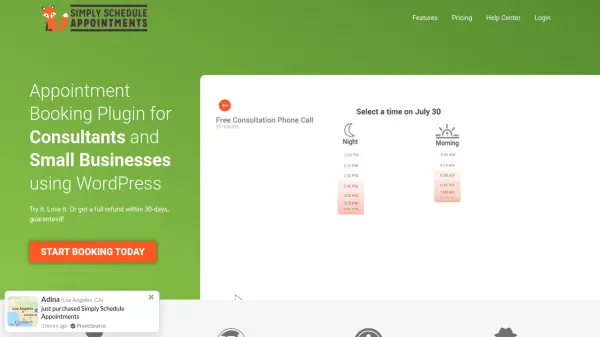
What is Simply Schedule Appointments?
Simply Schedule Appointments is a WordPress plugin designed for consultants and small businesses to manage appointment bookings directly on their websites. It eliminates back-and-forth emails by letting clients book available time slots from your calendar. The plugin integrates deeply with WordPress, offering a setup wizard that gets you ready in about 5 minutes without any coding.
Key integrations include Google Calendar sync, automated email confirmations and reminders, and payment processing via PayPal and Stripe. The plugin supports one-on-one, group, team, and resource-based appointments. Customizable booking flows, branding options, and compatibility with page builders like Elementor and Divi give you full control over the booking experience. With a 30-day money-back guarantee, it is a risk-free solution for managing appointments.
Features
- Google Calendar Sync: Automatically sync your appointments with Google Calendar to avoid double bookings.
- Setup Wizard: Get your booking calendar up and running in as little as 5 minutes without coding.
- Multiple Booking Types: Support for one-on-one, group, team, and resource-based appointments.
- Payment Integration: Accept payments directly on the booking form via Stripe and PayPal.
- Automated Reminders: Send customizable email and SMS reminders to reduce no-shows.
- Customizable Booking Flows: Choose the sequence of steps in the booking process to optimize conversions.
- Team Scheduling: Manage availability for multiple team members and let clients choose their preferred provider.
- Resource Booking: Schedule equipment or rooms alongside appointments.
- Page Builder Integration: Works with Elementor, Divi, and Beaver Builder for easy placement on any page.
- Branding Control: Customize the look and feel of booking calendars with built-in styles and custom CSS.
Use Cases
- Allow clients to book one-on-one coaching sessions online.
- Schedule group classes or webinars with multiple attendees.
- Manage team appointments by letting customers choose a specific staff member.
- Book equipment or meeting rooms along with appointments.
- Automate appointment confirmations and reminders via email and SMS.
FAQs
-
How to set up this WordPress booking plugin?
Setup is as simple as: 1) Activating the plugin on the site, 2) Going through our setup wizard to create your first booking calendar, 3) Embedding the calendar on any page or post of your choosing. -
Are there any limits to the number of appointment booking calendars I can create?
Absolutely not! All of our WordPress Booking Plugins (even Free) offer unlimited booking calendars, appointments, and email notifications. The Business Edition also provides unlimited team members. -
How can I schedule appointments on my WordPress site using a scheduling plugin?
Simply Schedule Appointments allows you to easily add a WordPress appointment scheduler to your site so visitors can book appointments directly. It features Google Calendar sync, custom booking forms, and automatic reminders. -
What if I want to get a refund for this booking plugin?
We offer a 30-day full refund policy. If you're not satisfied, just send us an email and we'll get the refund started right away. We also recommend trying the free plugin first. -
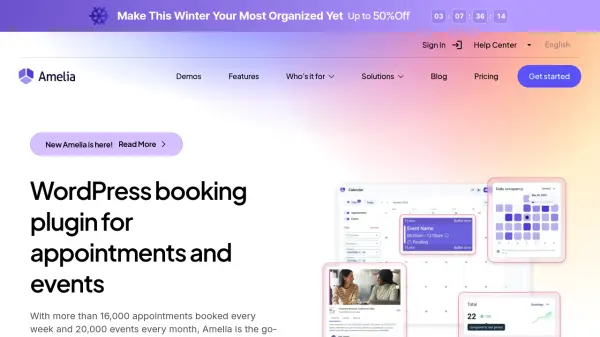
How does Simply Schedule Appointments compare to the Amelia booking plugin for WordPress?
Simply Schedule Appointments offers a simpler, more intuitive approach compared to Amelia. It is known for its easy setup process, making it ideal for beginners and advanced users alike.