
What is Simple Glossary?
Simple Glossary is a Confluence Cloud application designed to maintain terminology consistency across organizational documentation. It creates a centralized glossary where terms can be defined in multiple languages, ensuring all team members access accurate definitions regardless of their language preference.
The tool integrates seamlessly with Confluence through a browser extension that highlights terms inline on pages and displays definitions on hover. It stores all glossary data within the Confluence instance using Atlassian Forge, guaranteeing data privacy and security without external servers.
Features
- Multilingual terms: Keep each term in multiple languages and show the right one to every reader
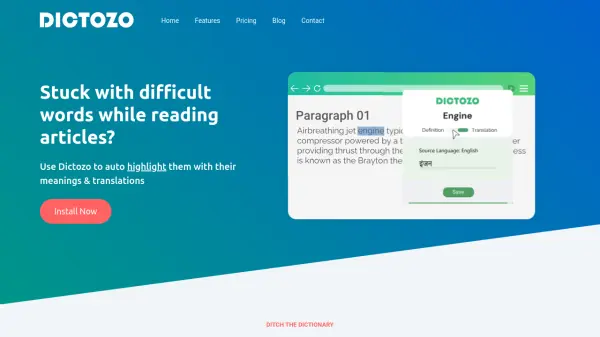
- Term highlighting: See definitions on hover directly on Confluence pages with the browser extension
- Glossary table: Embed a table of terms on any page — all terms in a space or only those used on the page
- Flexible settings: Choose editors and languages by spaces and globally in your Confluence
- Terms import: Bring your existing terms in minutes with a clean CSV import
- Quick find: Search terms and view definitions from a dropdown on your Confluence pages
Use Cases
- Maintaining consistent terminology across Confluence documentation
- Creating multilingual glossaries for international teams
- Embedding term definitions directly in Confluence pages
- Importing existing glossaries from CSV files into Confluence
- Highlighting key terms with inline definitions for clarity
FAQs
-
Is Simple Glossary compatible with Confluence Server?
No, Simple Glossary works only with Confluence Cloud and does not support Confluence Server. -
How many users can use Simple Glossary for free?
Simple Glossary is free for up to 10 users in Confluence Cloud. -
Where is glossary data stored when using Simple Glossary?
All glossary data is stored within your Confluence instance using Atlassian Forge storage, with no external servers or third-party access.