What is ShortVideosApp?
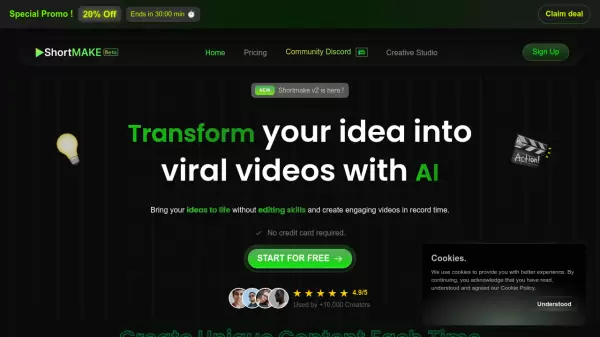
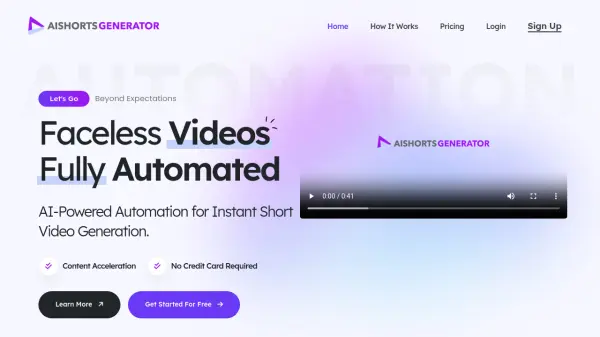
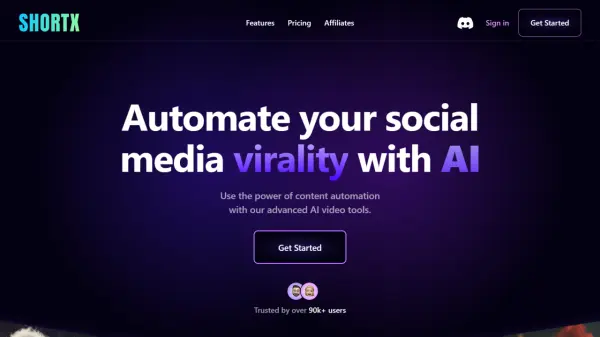
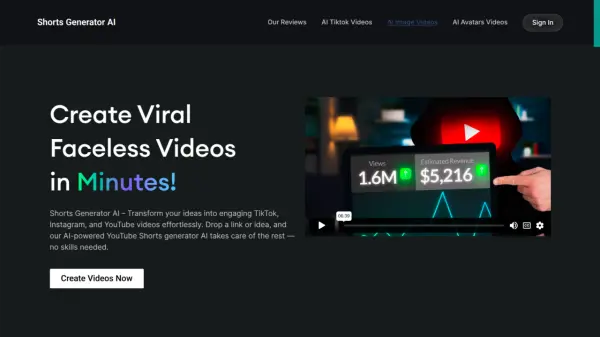
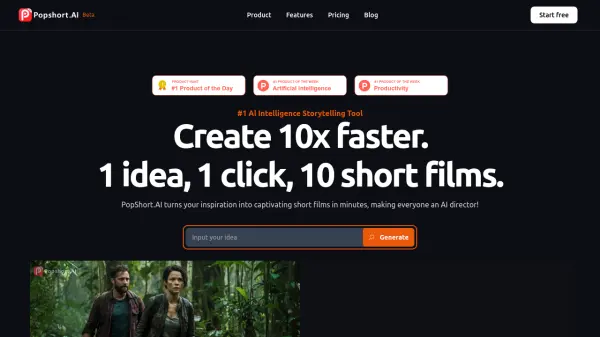
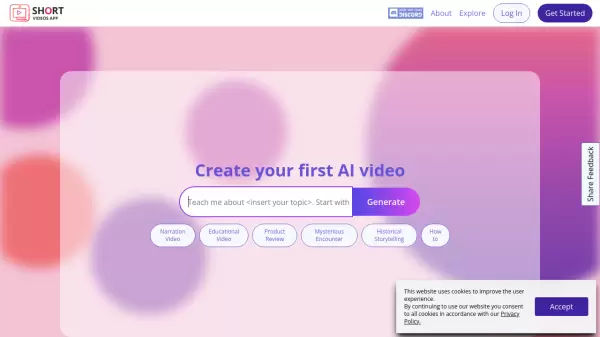
ShortVideosApp is a comprehensive AI video creation platform designed to revolutionize social media content production. The platform combines advanced AI technologies with user-friendly features to help creators produce high-quality, engaging videos efficiently and at scale.
The platform stands out with its ability to support bulk video creation workflows, integrated AI script writing assistance, and frame-by-frame video editing capabilities. It offers solutions for various content types, from educational videos to product reviews, while maintaining cost-effectiveness and ensuring consistent quality across all productions.
Features
- AI Script Writer: Automated script generation from ideas and starter prompts
- Bulk Workflow Support: Simultaneous creation, editing, and management of multiple projects
- Advanced Video Editor: Frame-by-frame editing capabilities
- Multi-language Support: Create content in various languages
- Talking Avatars: Animated characters with automatic lip-sync
- Trend Integration: Access to trending content patterns and effects
Use Cases
- Educational content creation
- Marketing campaign videos
- Product reviews
- Historical storytelling
- Social media content
- Language learning materials
- Brand promotional content
- Tutorial videos
FAQs
-
What kind of videos can I create on ShortVideosApp.com?
You can create a wide range of videos, including educational, entertainment, promotional, and more. We encourage creativity and expression, allowing you to tell your story. -
Is there a limit to how many videos I can create?
There are no limits on the number of videos you can create. Whether you're an occasional creator or a prolific video maker, you have the freedom to produce as much content as you want. -
Can I create videos in multiple languages?
Absolutely! ShortVideosApp.com supports video creation in multiple languages, allowing you to reach a global audience. Our platform includes language tools and features to help you produce content in the language of your choice. -
How can I use talking avatars in my videos?
Talking avatars allow you to create animated characters that bring life to your script. You can choose from various avatars. We'll automatically lip sync them with your script, adding a captivating element to your videos.