What is Sendy?
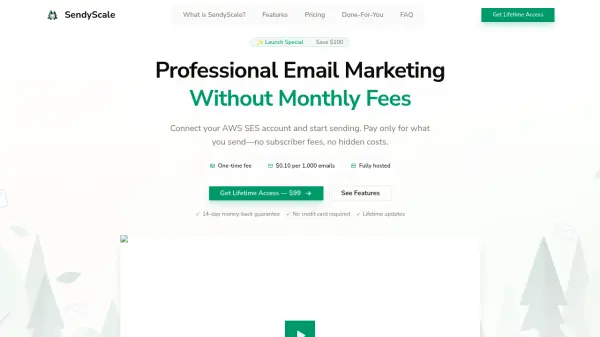
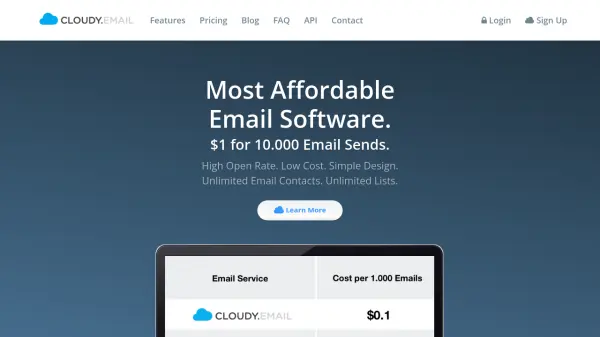
Sendy is a self-hosted email newsletter application designed to send bulk emails through Amazon Simple Email Service (SES). It operates on a pay-per-send model, costing only $1 per 10,000 emails, which significantly reduces expenses compared to traditional email marketing platforms with monthly subscription fees. Users install Sendy on their own web servers, providing full control over their email campaigns without ongoing costs.
The platform offers features such as beautiful campaign reports with visualizations of opens, clicks, and bounces, white-labeled client accounts for managing multiple brands, and autoresponders for automated drip campaigns. It supports list segmentation, custom fields for personalization, and real-time bounce and complaint handling to maintain clean email lists. Sendy also integrates with third-party applications and Zapier, enhancing its functionality for various marketing needs.
Features
- Cost Efficiency: Pay only $1 per 10,000 emails via Amazon SES with no monthly fees
- Campaign Reporting: Visualize opens, clicks, bounces, and complaints with exportable data
- Client Management: Create white-labeled accounts for clients with customizable privileges
- Autoresponders: Set up drip campaigns and scheduled emails for automated engagement
- List Segmentation: Target email segments based on custom conditions to increase engagement
- Custom Fields: Store additional subscriber data for personalization and segmentation
- Bounce Handling: Automatically manage bounces, complaints, and unsubscribes in real time
- Third-Party Integrations: Connect with apps like WordPress and Zapier for extended functionality
Use Cases
- Sending bulk email newsletters to large subscriber lists cost-effectively
- Managing multiple email marketing campaigns for different brands or clients
- Automating follow-up emails with drip campaigns and autoresponders
- Segmenting email lists to send targeted and personalized content
- Integrating email marketing with other business applications and workflows
FAQs
-
What are the server requirements for installing Sendy?
Sendy requires an Apache web server with Linux, PHP, and MySQL support, similar to WordPress. -
Are updates to Sendy free?
Updates are free up to the next major version (e.g., version 7.x, 8.x), with minor versions including new features at no cost. -
Can I install Sendy on multiple domains with one license?
No, each license allows installation on one domain; additional licenses are needed for more domains. -
What is the sending rate and limit with Amazon SES?
Users must request a sending quota increase from Amazon SES based on their needs, such as 50,000 emails per day. -
Is there an installation service available for Sendy?
Yes, an optional installation service is available for an additional fee to set up Sendy on your server.