What is Seedance AI Video Generator?
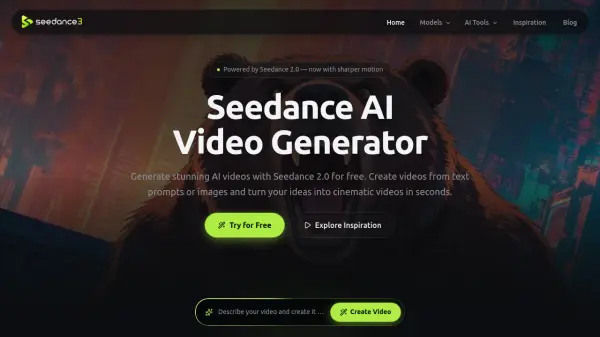
Seedance AI Video Generator is a multimodal video creation platform powered by Seedance 2.0. It converts text prompts, images, existing videos, and audio references into polished video content with realistic movement, expressive facial animation, synchronized speech, cinematic lighting, and dynamic camera motion.
The platform supports resolutions from 480p to 1080p and provides several aspect ratios for cinematic, square, portrait, and social media content. Users can preview and download generated videos or revise their prompts to create another version, making the tool accessible for creative storytelling, advertising, product promotion, and short-form content production.
Features
- Multimodal Creation: Generate videos using text prompts, reference images, existing videos, or audio files.
- Cinematic Video Quality: Produce videos with realistic animation, smooth camera movement, detailed visuals, cinematic lighting, and dynamic storytelling.
- Smart Prompt Understanding: Interpret descriptions of scenes, actions, visual styles, and camera movements to create videos that align with the user's intent.
- Flexible Output Settings: Choose from multiple aspect ratios and generate videos in 480p, 720p, or 1080p quality.
- Inspiration Gallery: Explore generated video examples and copy proven prompts for new projects.
Use Cases
- Create cinematic scenes for trailers, short films, storyboards, and concept videos.
- Animate portraits, illustrations, pets, virtual avatars, and AI-generated characters.
- Produce product showcases, ecommerce advertisements, and promotional brand videos.
- Create AI avatar presenters and virtual brand ambassadors for campaigns and customer education.
- Generate short-form content for TikTok, Instagram Reels, YouTube Shorts, and X.
- Develop faceless videos, storytelling clips, and social media posts without filming.
How It Works
Choose a Model
Select the Seedance model that best fits the project, such as cinematic video, marketing content, or a social media clip.
Add Creative Inputs
Enter a text prompt or upload reference images, videos, or audio. Then configure the aspect ratio, duration, quality, and other available settings.
Generate and Download
Generate the video, preview the result, and download it. Users can also refine the prompt and create another version using the available daily quota.
FAQs
-
Which video quality settings are available?
Seedance AI Video Generator offers 480p, 720p, and 1080p quality settings. -
Which aspect ratios can users select?
Users can choose Auto, 16:9, 9:16, 1:1, 4:3, 3:4, or 21:9. -
Is an account required for free daily generations?
No. The website states that free daily generations are available without requiring a login.