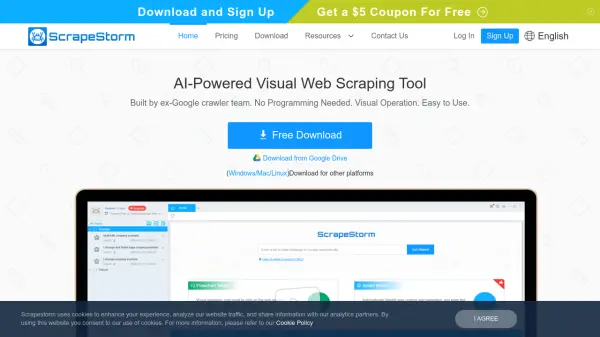
What is ScrapeStorm?
ScrapeStorm is a powerful, AI-driven web scraping tool designed for ease of use. Developed by a team of former Google crawler engineers, it requires no programming skills and features a user-friendly visual operation.
ScrapeStorm offers two scraping modes: Smart Mode, leveraging AI for automatic data identification, and Flowchart Mode, for constructing complex scraping rules through simple webpage clicks. It supports various data export methods, including local files (Excel, CSV, TXT, HTML) and databases (MySQL, MongoDB, SQL Server, PostgreSQL, WordPress, and Google Sheets).
Features
- Smart Mode: Intelligently identifies data like lists, forms, links, images, prices, phone numbers, and emails without manual rule setting.
- Flowchart Mode: Allows for the creation of complex scraping rules through a visual interface, mimicking manual web browsing.
- Multiple Data Export: Supports export to local files (Excel, CSV, TXT, HTML) and databases (MySQL, MongoDB, SQL Server, PostgreSQL, WordPress, Google Sheets).
- Simulation Operations: Simulates user actions like inputting text, clicking, mouse movements, drop-down box selection, page scrolling, and conditional evaluations.
- Cloud Account: Saves scraping tasks to the cloud, accessible from any computer.
- Cross-Platform Support: Compatible with Windows, Mac, and Linux operating systems.
Use Cases
- Extracting product information from e-commerce websites
- Gathering financial data from online sources
- Collecting real estate listings
- Monitoring competitor pricing
- Compiling research data from various websites
- Generating leads by scraping contact information.
FAQs
-
What operating systems does ScrapeStorm support?
ScrapeStorm supports Windows, Mac, and Linux operating systems. -
What are the two modes available for scraping?
The two modes are Smart Mode (automatic data identification) and Flowchart Mode (manual rule creation). -
What data export formats are supported?
ScrapeStorm supports exporting data to Excel, CSV, TXT, HTML, MySQL, MongoDB, SQL Server, PostgreSQL, WordPress, and Google Sheets.