What is Scloud Downloader?
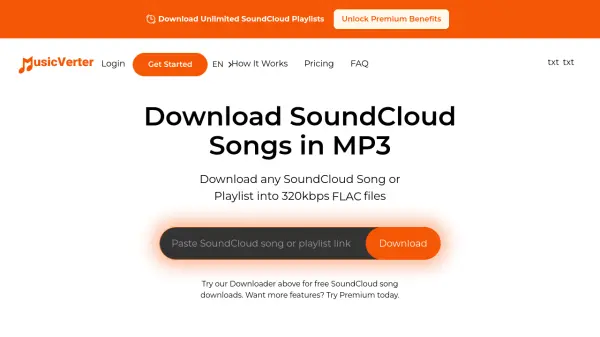
Scloud Downloader is a specialized online tool designed to convert and download SoundCloud tracks to MP3 format. It operates by allowing users to paste a SoundCloud track URL into an input box, after which the tool processes the link to extract the audio file. The service converts the track into an MP3 file that can be saved directly to the user's device, enabling offline listening without requiring an internet connection.
This tool only works with SoundCloud tracks that are made downloadable by the track owners, ensuring compliance with copyright permissions. It does not host any copyrighted material and downloads files directly from SoundCloud's CDN. The platform is free to use and supports a wide range of tracks, with updates noting improved functionality over time.
Features
- SoundCloud to MP3 Conversion: Converts SoundCloud tracks to MP3 format for easy downloading
- Free Online Tool: No cost required to use the service for downloading tracks
- Simple URL-Based Process: Users paste a SoundCloud track URL to initiate the download
- Offline Listening Support: Allows saving MP3 tracks to devices for playback without internet
- Copyright Compliance: Only downloads tracks that are made downloadable by owners
Use Cases
- Downloading SoundCloud music for offline listening during travel
- Creating personal music libraries from SoundCloud tracks
- Accessing SoundCloud content without an internet connection
- Converting SoundCloud audio to MP3 format for compatibility with various devices
- Saving favorite tracks from independent artists on SoundCloud
FAQs
-
What types of SoundCloud tracks can be downloaded with Scloud Downloader?
Scloud Downloader only works with SoundCloud tracks that are made downloadable by the track owners, typically those in the public domain or with owner permission. -
Is Scloud Downloader free to use?
Yes, Scloud Downloader is a completely free online tool with no subscription fees or hidden charges. -
Does Scloud Downloader host any copyrighted material?
No, Scloud Downloader does not host any copyrighted material and downloads tracks directly from SoundCloud's CDN, only for tracks that are downloadable by their owners. -
What should I do if the download doesn't start automatically?
If the download doesn't start, right-click on the 'Download MP3' button and select 'Save link As' to manually save the file to your device. -
Are there any alternatives to Scloud Downloader?
Yes, the site mentions a sister site called scdownload.net as an alternative for downloading SoundCloud MP3 tracks.