
What is Zene.Download?
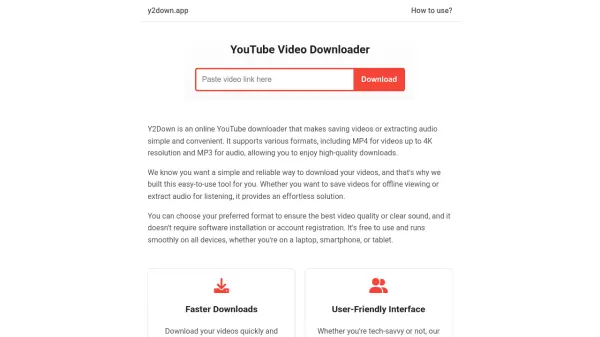
Zene.Download provides a straightforward solution for converting YouTube videos into MP3 audio files. Users can search for music directly on YouTube through the platform's interface or paste specific video URLs to initiate the conversion process. The service operates entirely through a web browser, making it accessible on both desktop and mobile devices without requiring software installation.
The platform emphasizes user privacy and security by utilizing HTTPS connections and avoiding advertisements, pop-ups, or tracking mechanisms. It supports downloading individual tracks as well as converting entire YouTube playlists by processing up to 200 songs per list. The conversion process displays real-time status updates, and downloaded files are automatically saved to the device's default download folder.
Features
- YouTube Search Integration: Search for music directly on YouTube using keywords or artist names
- URL-Based Conversion: Convert videos by pasting YouTube URLs for individual tracks or playlists
- MP3 Format Conversion: Transform YouTube videos into downloadable MP3 audio files
- Playlist Support: Process up to 200 songs from YouTube playlists for conversion
- No Ads/Tracking: Operates without advertisements, pop-ups, or user tracking mechanisms
- Browser-Based Access: Works on any web browser including Chrome on desktop and mobile devices
Use Cases
- Downloading music from YouTube for personal listening
- Creating MP3 files from YouTube music videos
- Converting YouTube playlists to audio format
- Accessing music offline on mobile devices
- Building personal music libraries from YouTube content
FAQs
-
Can I use this tool on mobile devices?
Yes, Zene.Download works on both Android and iPhone devices through any web browser. -
How do I download the converted MP3 files?
Downloaded files are automatically saved to your device's default download folder, accessible through your browser's Downloads menu. -
Does this tool support downloading entire YouTube playlists?
Yes, you can convert YouTube playlists by pasting the playlist URL, and it will process up to 200 songs with individual download options. -
Is there any cost associated with using Zene.Download?
No, Zene.Download is completely free to use with no hidden charges or subscription fees. -
How do I get support if I encounter issues?
You can email the support team at the contact address provided on the website for questions or concerns.