S1 EDGE favicon

S1 EDGE
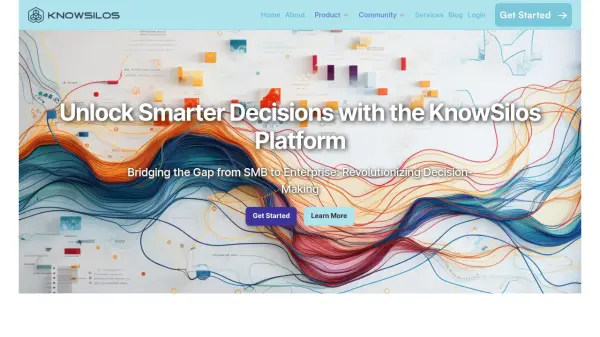
Knowledge Augmentation Platform for Enterprise Data Analysis

What is S1 EDGE?

S1 EDGE is an enterprise-focused knowledge augmentation platform developed by Skcript Technologies. The platform leverages Artificial Narrow Intelligence (ANI) to help medium to large enterprises analyze, navigate, and act on their business data with unprecedented efficiency.

As a comprehensive knowledge work solution, S1 EDGE represents Skcript's commitment to solving complex business problems through technology-agnostic approaches. The platform is specifically designed to augment everyday business operations, enabling organizations to make data-driven decisions and improve operational efficiency.

Features

  • Knowledge Augmentation: Advanced data analysis capabilities for business intelligence
  • Enterprise Integration: Seamless integration with existing business systems
  • Data Analysis: Comprehensive business data processing and interpretation
  • Decision Support: AI-powered insights for informed business decisions

Use Cases

  • Enterprise data analysis
  • Business intelligence optimization
  • Knowledge work automation
  • Corporate decision-making support
  • Business data management

Related Tools:

Blogs:

  • Best AI tools for recruiters

    Best AI tools for recruiters

    These tools use advanced algorithms and machine learning to automate tasks such as resume screening, candidate matching, and predictive analytics. By analyzing vast amounts of data quickly and efficiently, AI tools help recruiters make data-driven decisions, save time, and identify the best candidates for open positions.

  • Top 6 AI note-taking tools for 2026: in-person, online, and hybrid use cases

    Top 6 AI note-taking tools for 2026: in-person, online, and hybrid use cases

    Most AI note-taking lists are really lists of meeting bots, which join your video call and transcribe it. That's useful, but it's half the picture. Decisions happen in hallway conversations, client dinners, on-site visits, and hybrid rooms where nobody is on a video link. This guide covers different parts of the note-taking workflow: hardware capture for in-person settings, platform-native tools for online calls, and AI layers for organizing and synthesizing what you've captured. It compares six tools by capture context, workflow fit, pricing, and limitations.

Didn't find tool you were looking for?

Be as detailed as possible for better results