Role Playing Forums favicon

Role Playing Forums
Community platform for interactive role-playing discussions and storytelling

What is Role Playing Forums?

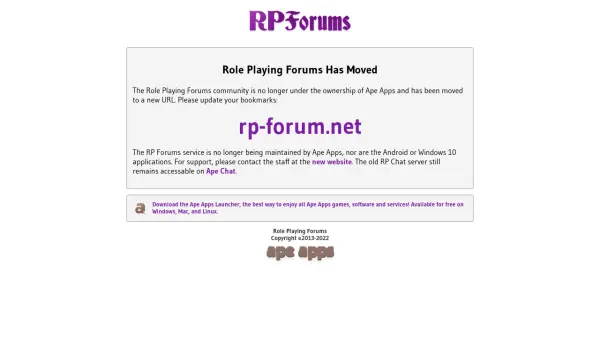
Role Playing Forums is an online community platform designed for enthusiasts of role-playing games and interactive storytelling. It provides a dedicated space for users to engage in discussions, create collaborative narratives, and participate in role-playing activities with other members. The platform has transitioned from its previous ownership under Ape Apps to independent operation, with the community now hosted at rp-forum.net.

The service supports various role-playing formats and encourages user interaction through forums and chat features. While the Android and Windows 10 applications are no longer maintained by Ape Apps, the core web-based forum remains active, offering a venue for creative expression and community building in the role-playing niche.

Features

  • Community Forums: Dedicated spaces for role-playing discussions and storytelling
  • Interactive Chat: Features for real-time communication and role-playing interactions
  • Independent Operation: Platform now run separately from previous ownership for community-focused management

Use Cases

  • Engaging in collaborative role-playing games online
  • Creating and sharing interactive storytelling narratives
  • Connecting with other role-playing enthusiasts for discussions

Helpful for people in the following professions

Related Tools:

Blogs:

  • AI thumbnail maker tools

    AI thumbnail maker tools

    Automatically generate visually appealing and optimized thumbnails for various digital content, streamlining the design process and enhancing visual engagement

  • Top 6 AI note-taking tools for 2026: in-person, online, and hybrid use cases

    Top 6 AI note-taking tools for 2026: in-person, online, and hybrid use cases

    Most AI note-taking lists are really lists of meeting bots, which join your video call and transcribe it. That's useful, but it's half the picture. Decisions happen in hallway conversations, client dinners, on-site visits, and hybrid rooms where nobody is on a video link. This guide covers different parts of the note-taking workflow: hardware capture for in-person settings, platform-native tools for online calls, and AI layers for organizing and synthesizing what you've captured. It compares six tools by capture context, workflow fit, pricing, and limitations.

  • Chat with PDF AI Tools

    Chat with PDF AI Tools

    Easily interact with your PDF documents using our advanced AI-powered tool. Whether you're reading lengthy reports, research papers, contracts, or eBooks, our platform lets you chat directly with your PDF files, ask questions, extract insights, and get summaries in real-time.

Didn't find tool you were looking for?

Be as detailed as possible for better results