
What is Roadcount?
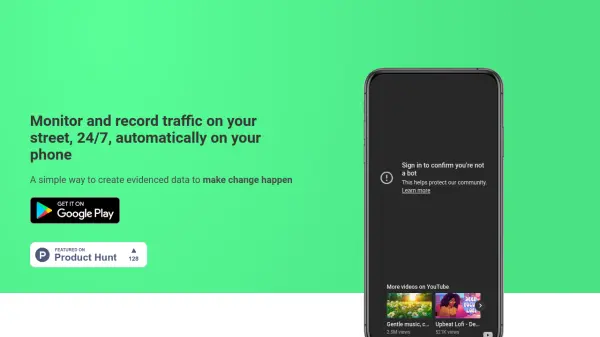
Roadcount provides a simple way to monitor and record vehicular traffic using just a smartphone. By setting up a phone facing the street, the application automatically detects various types of vehicles, including cars, vans, trucks, and bikes, as they pass through the frame.
Each detected vehicle event is logged with a timestamp into a database, accompanied by a reference photo and an estimated speed. This collected data can be conveniently exported to Excel format, enabling users to analyze traffic patterns or present documented evidence for proposing changes. The system is designed to function effectively in both daytime and nighttime conditions.
Features
- 24/7 Traffic Monitoring: Continuously monitors and records street traffic.
- Automatic Vehicle Detection: Identifies cars, vans, trucks, and bikes.
- Timestamped Data Logging: Logs every detected vehicle into a database with a timestamp.
- Photo Reference: Saves a photo of each detected vehicle for visual confirmation.
- Speed Estimation: Provides an estimated speed for passing vehicles.
- Excel Data Export: Allows easy export of the collected traffic log to Excel.
- Day/Night Operation: Functions effectively in various lighting conditions.
Use Cases
- Gathering data to support traffic calming initiatives.
- Monitoring vehicle speeds on residential streets.
- Conducting personal traffic flow studies.
- Documenting traffic volume for community reports.
- Providing evidence-based data to local authorities.