What is Restylar?
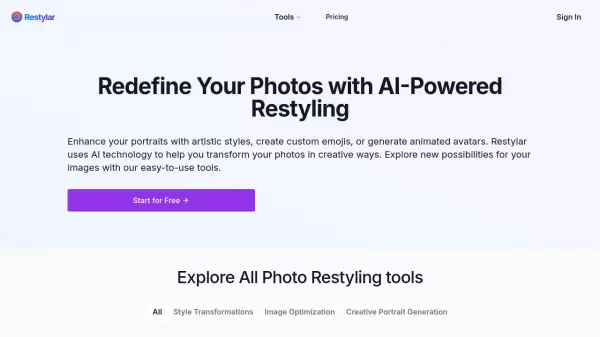
Restylar is a comprehensive AI-powered photo transformation platform that enables users to enhance and reimagine their images through various creative tools. The platform offers a wide range of features, from artistic style transformations and portrait generation to image optimization and restoration capabilities.
The tool specializes in multiple transformation techniques, including custom style reimagination, multi-pose generation, live portraits, and old photo restoration. It also provides unique styling options such as claymation effects, emoji creation, video game character conversion, and pixel art transformation, making it a versatile solution for both practical and creative image editing needs.
Features
- Custom Style Reimagination: Generate unique portraits by combining structure and style images
- Multi-Pose Generation: Create multiple half-body poses from a single facial photo
- Live Portrait: Generate dynamic animated portraits
- Photo Restoration: Restore old or damaged photographs
- Image Upscaling: Enhance low-resolution images while maintaining clarity
- Colorization: Convert black and white photos to color
- Creative Styling: Transform photos into claymation, emojis, video game characters, and pixel art
- AI Image Refinement: Optimize AI-generated images and remove artifacts
Use Cases
- Restoring old family photographs
- Creating custom social media avatars
- Generating professional profile pictures with different poses
- Designing personalized emojis and stickers
- Enhancing low-quality images
- Converting black and white photos to color
- Creating artistic variations of portraits
- Optimizing AI-generated images
FAQs
-
What types of photos can I use with Restylar?
Restylar works with various types of photos, particularly those containing faces for portrait-related features. The platform can process both color and black-and-white images, as well as old or damaged photos. -
How long does it take to process an image?
The platform offers fast generation as mentioned in their pricing plans, though specific processing times may vary depending on the type of transformation being performed. -
Is there a limit to how many photos I can process?
Yes, the number of photos you can process depends on your credit package. Each credit allows you to generate one image, with packages ranging from 20 to 300 credits.