What is RestaurantOps?
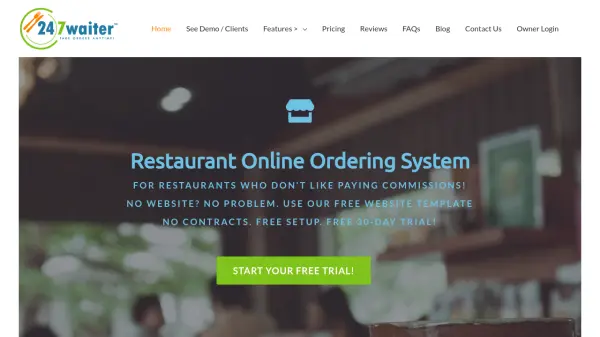
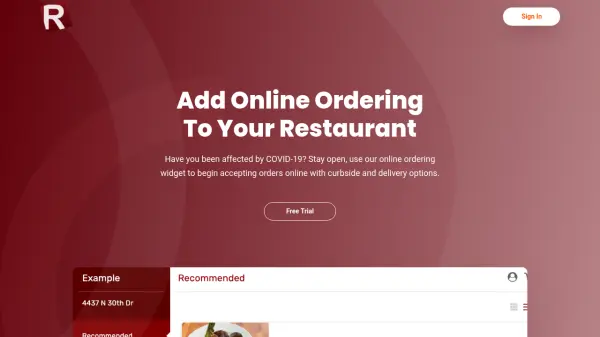
RestaurantOps offers a comprehensive online ordering solution designed specifically for restaurants seeking to establish or enhance their digital presence. The platform enables businesses to accept orders online with options for curbside pickup and delivery, helping them stay operational and competitive. It integrates seamlessly with existing websites built on SquareSpace, Wix, or WordPress, or provides a custom website builder for those without a site, ensuring a quick setup process.
The system operates on a flat monthly fee structure, eliminating the 30% commissions typically charged by third-party services, which allows restaurants to retain more revenue. It supports multiple locations, syncs with Clover and Square systems, and includes features like delivery zone management, kitchen printer integration, and notifications via email, text, and POS. Additionally, it offers installable mobile apps for enhanced customer engagement, such as reordering and payment storage.
Features
- Online Ordering Widget: Mobile-friendly widget for accepting orders with curbside and delivery options
- Flat Monthly Fee: No per-order commissions, just a simple monthly price starting at $29
- Website Compatibility: Install on SquareSpace, Wix, or WordPress sites or use a custom website builder
- Multi-Location Support: Seamlessly connect multiple restaurant locations on one system
- POS Integration: Sync with Clover and Square systems for inventory and order management
- Delivery Zone Management: Set up specific delivery areas with customizable fees
- Mobile Apps: Offer installable Android and iOS apps for customer reordering and notifications
- Notification System: Receive order alerts via kitchen printer, email, text, and POS
Use Cases
- Accepting online orders for curbside pickup and delivery
- Avoiding high commission fees from third-party delivery services
- Setting up a restaurant website with integrated ordering
- Managing multiple restaurant locations with a unified system
- Enhancing customer loyalty through mobile apps and payment storage
- Streamlining order notifications and kitchen operations
FAQs
-
How do I install the online order widget on my Wix or SquareSpace site?
After signing up, you can follow the provided instructions or have RestaurantOps assist with installation; for additional help, contact [email protected]. -
Can this print to my kitchen printer?
Yes, after installing the Clover, Android, or iOS App and syncing printers on the dashboard, you can activate printing to your kitchen printer. -
Can I deliver only to certain areas?
Yes, you can set up delivery zones with relevant fees for each zone. -
Do you offer mobile apps?
Yes, installable mobile apps are available for an additional fee, allowing features like reordering and notifications. -
Are there any per order fees?
No, it operates on a simple monthly fee with unlimited orders and no per-order charges.