What is resmate.io?
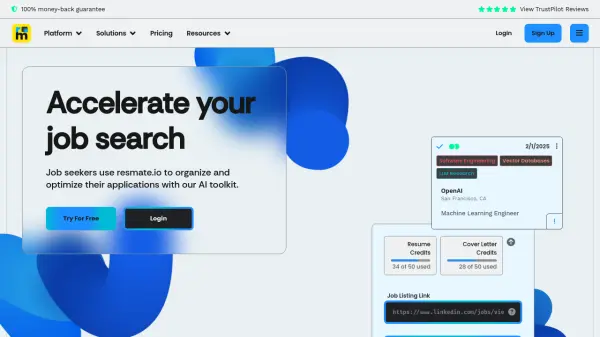
Resmate.io provides job seekers with a comprehensive suite of AI-driven tools to enhance their job search process. The platform focuses on improving application materials and overall organization. It helps users create job-optimized resumes and cover letters, prepare for interviews, and efficiently manage their application progress.
Features include semantic resume analysis, automated content generation powered by GPT-4, and a customizable document editor. The platform also offers seamless integrations with LinkedIn and a Chrome extension for convenient application management.
Features
- Resume Optimizer: Analyzes and sorts resume content by relevancy to specific job descriptions.
- Automations: Generates job-optimized resumes and cover letters using GPT-4.
- Interview Prep: Creates practice interview questions tailored to the job and company.
- Job Tracker: Tracks applications and organizes notes with built-in markdown support.
- Document Style Editor: Customize styling templates or create a resume design and exports it in PDF format.
Use Cases
- Creating job-specific resumes and cover letters.
- Preparing for job interviews with tailored questions.
- Tracking job applications and managing related notes.
- Improving resume content and organization.
- Streamlining the job search process.
FAQs
-
What is the 100% money-back guarantee?
The content provides a link titled with a 100% money-back guarantee, check their official website for more information. -
What AI models are being used?
Resmate.io indicates that its automation is powered by GPT-4.