What is Requesty?
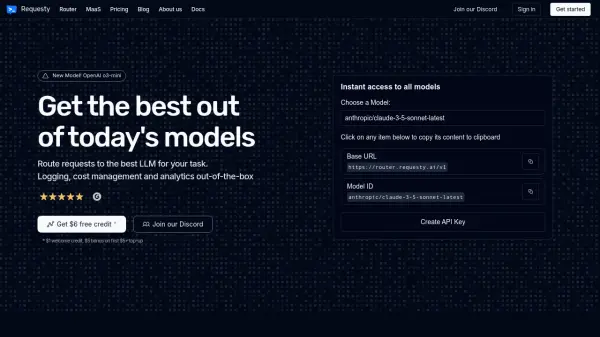
Requesty empowers developers to build, deploy, and monitor AI applications with greater speed and confidence. The platform offers a centralized hub for refining Large Language Model (LLM) configurations, enabling rapid iteration and side-by-side comparisons.
Requesty facilitates the deployment and monitoring of LLM functionalities through straightforward configuration, automated monitoring, and flexible endpoints. It also provides robust data exploration tools, enabling users to analyze real-time logs, identify patterns, and gain valuable insights from conversational data.
Features
- Config Refining: Rapid iteration and side-by-side config comparisons for LLM applications.
- Deployment and Monitoring: Streamlined deployment with automated monitoring and flexible endpoints.
- Data Exploration: Built-in data filters, enhancement features, and dynamic visuals for analyzing conversational data.
- LLM Routing: Routing with 60+ LLMs.
- Analytics Charts: Provides core analytics charts to get insights.
Use Cases
- Rapidly testing and refining LLM configurations.
- Deploying and monitoring AI-powered features in applications.
- Analyzing user interactions and conversational data.
- Gaining insights into LLM application performance.
- Generating test sets for LLM models.