What is Replace Anything?
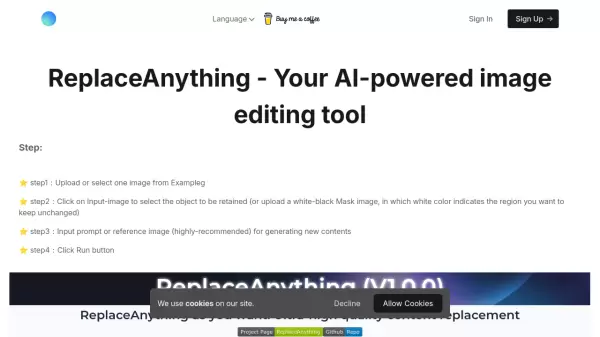
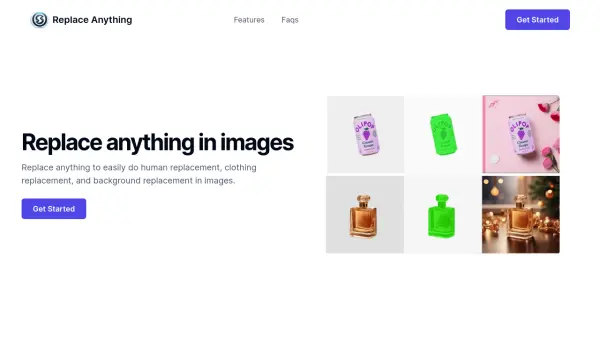
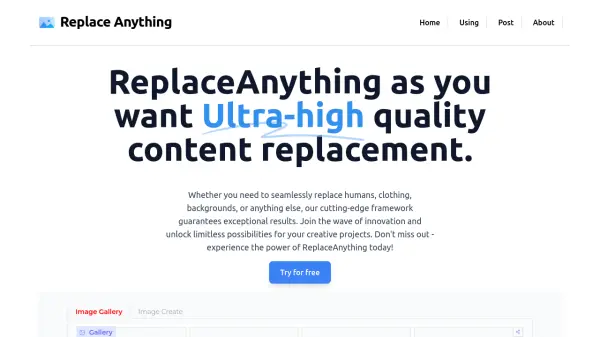
Replace Anything is a state-of-the-art tool introduces unprecedented flexibility by allowing users to flawlessly substitute any segment of an image with another, crafted from textual descriptions. This groundbreaking technology has far-reaching implications, reshaping industries like digital marketing and game design, and pushing the limits of creative possibilities.
Replace Anything harnesses a synergy of sophisticated AI technologies, incorporating inpainting methods and AI frameworks like Stable Diffusion and Huggingface Diffusers. This integration facilitates the meticulous analysis and reconstruction of image sections, ensuring the newly generated parts are contextually appropriate and blend seamlessly with the original image.
Features
- Content Modification Based on Images: Enables the alteration of image parts through the generation of new content driven by descriptive texts.
- User-Centric Design: Boasts an intuitive design, simplifying the selection and alteration of image segments.
- Broad Spectrum Usage: Perfectly suited for tasks such as content curation, personalized marketing material creation, and digital artwork enhancement.
Use Cases
- Swiftly refresh product visuals by altering colors or patterns.
- Customize ad backgrounds to align with varying themes or seasonal campaigns.
- Insert or alter elements in artwork without rebuilding from the base.
- Efficiently substitute unsuitable elements in user-contributed content.