Repetitions favicon

Repetitions
Intelligent Cross-Platform Spaced Repetition Flashcard App

What is Repetitions?

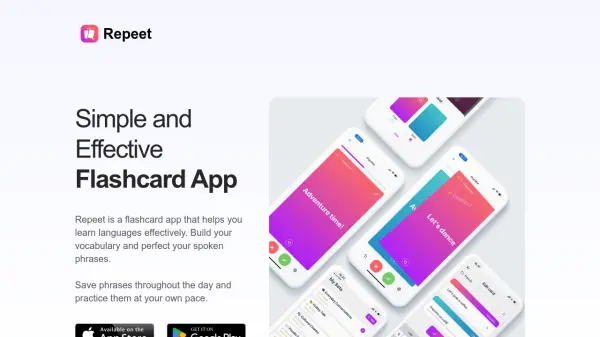
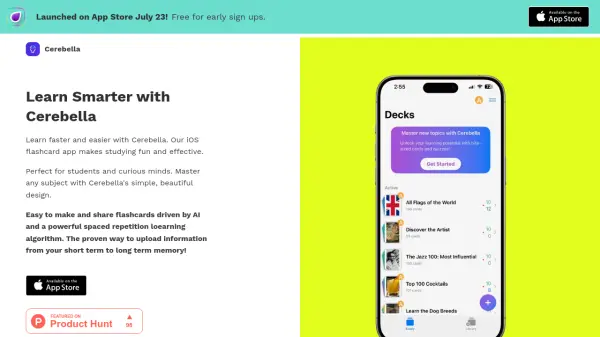
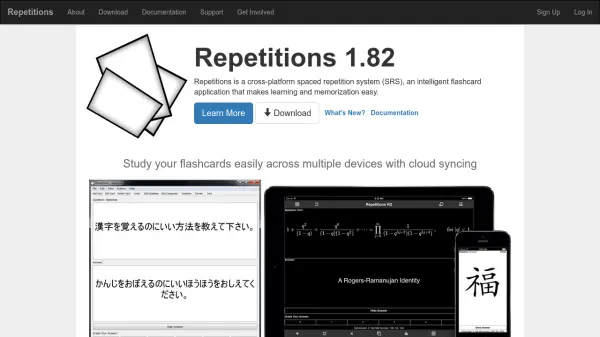
Repetitions is an advanced spaced repetition system (SRS) flashcard app designed to make learning and memorization efficient and effective. Leveraging intelligent algorithms, it helps users retain knowledge longer by optimizing review intervals based on individual progress.

The application supports seamless cloud syncing, allowing users to study their flashcards easily across multiple devices, including Windows, macOS, Linux, iOS, Android, and web platforms. Repetitions aims to provide a comprehensive and convenient learning experience for diverse educational needs.

Features

  • Intelligent Spaced Repetition: Employs advanced algorithms to optimize flashcard review intervals
  • Cross-Platform Availability: Supports Windows, macOS, Linux, iOS, Android, and web browsers
  • Cloud Syncing: Synchronizes flashcard progress effortlessly across all devices
  • User-Friendly Interface: Simplifies the process of creating and studying flashcards

Use Cases

  • Accelerated language learning and vocabulary building
  • Efficient preparation for exams and certifications
  • Retention of professional or technical knowledge
  • Long-term memorization of facts and data for students
  • Supporting self-learners in mastering complex topics

Related Tools:

Blogs:

  • Ghibli Art Generator AI tools

    Ghibli Art Generator AI tools

    List of the best AI tools to turn your photos into images that look like Studio Ghibli movies. Easy to use and fun for everyone.

  • Best AI tools for Lawyers

    Best AI tools for Lawyers

    streamline legal processes, enhance research capabilities, and improve overall efficiency in the legal profession.

  • Top 6 AI note-taking tools for 2026: in-person, online, and hybrid use cases

    Top 6 AI note-taking tools for 2026: in-person, online, and hybrid use cases

    Most AI note-taking lists are really lists of meeting bots, which join your video call and transcribe it. That's useful, but it's half the picture. Decisions happen in hallway conversations, client dinners, on-site visits, and hybrid rooms where nobody is on a video link. This guide covers different parts of the note-taking workflow: hardware capture for in-person settings, platform-native tools for online calls, and AI layers for organizing and synthesizing what you've captured. It compares six tools by capture context, workflow fit, pricing, and limitations.

Didn't find tool you were looking for?

Be as detailed as possible for better results